Software Testing Online Live Class by Experts
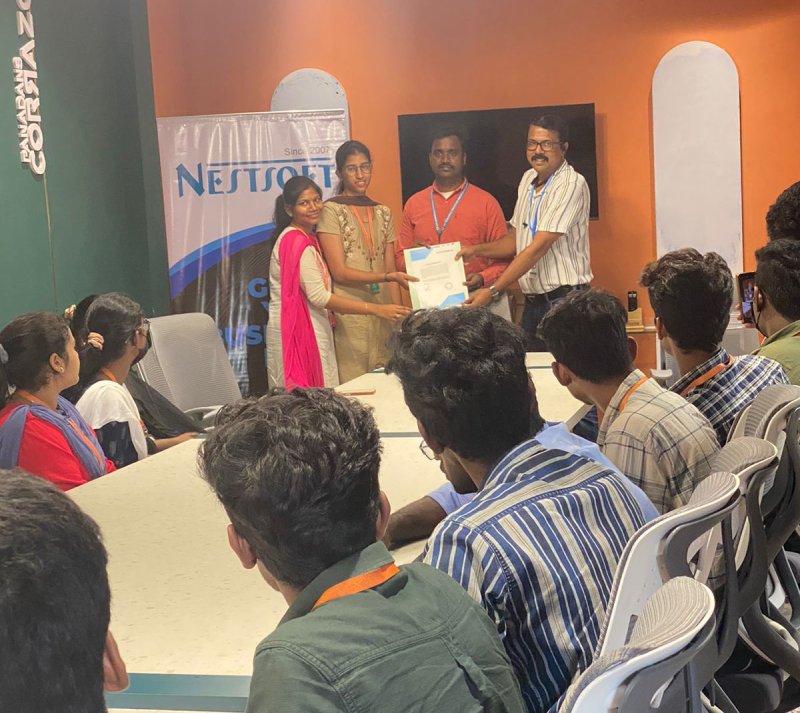
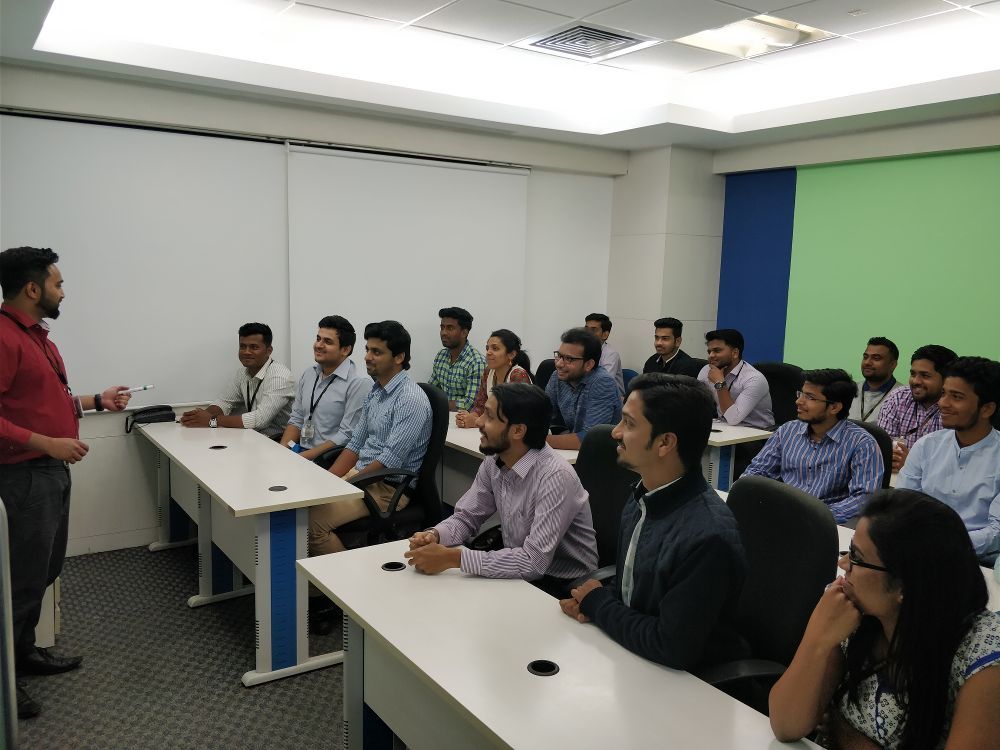
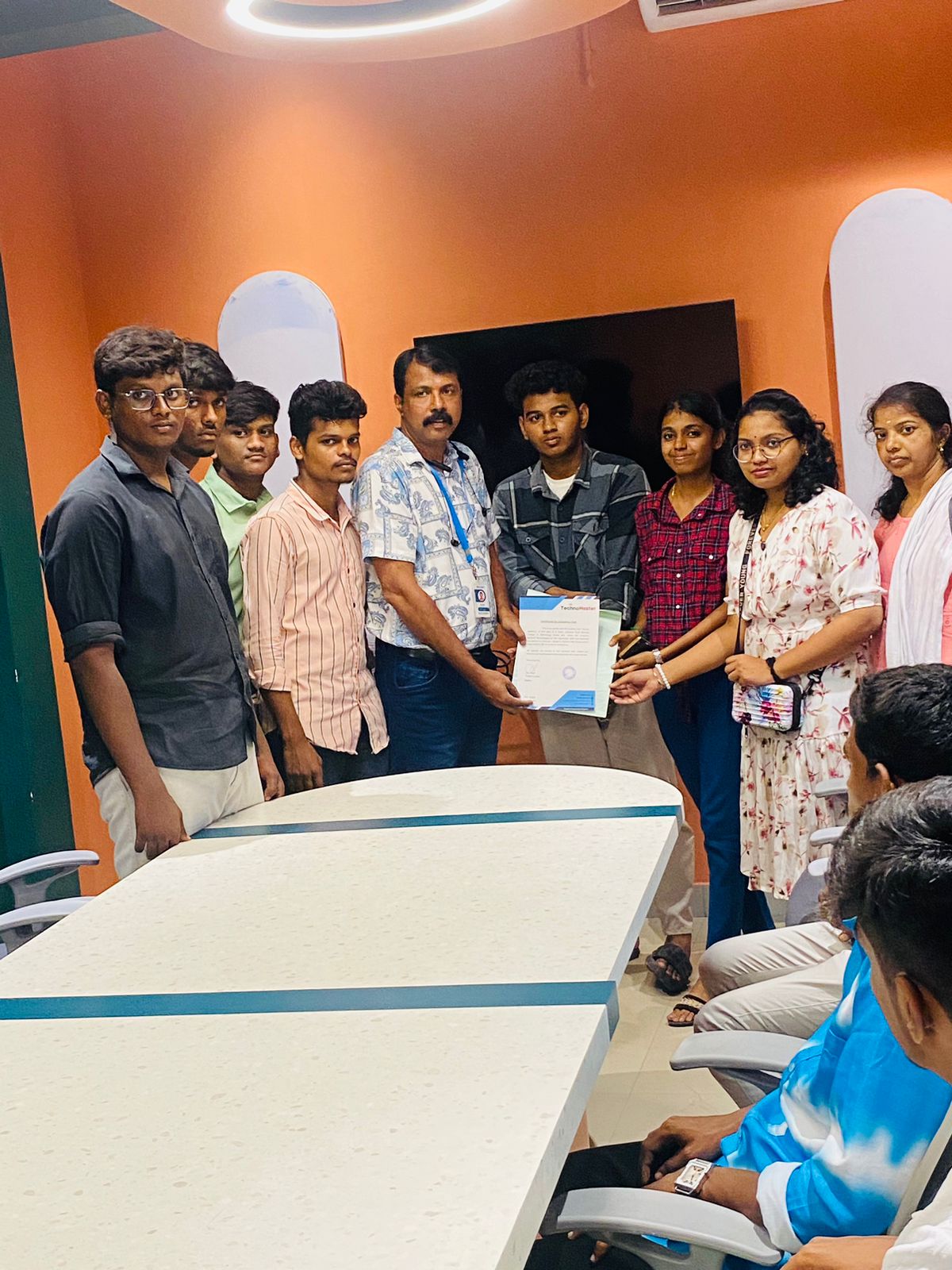
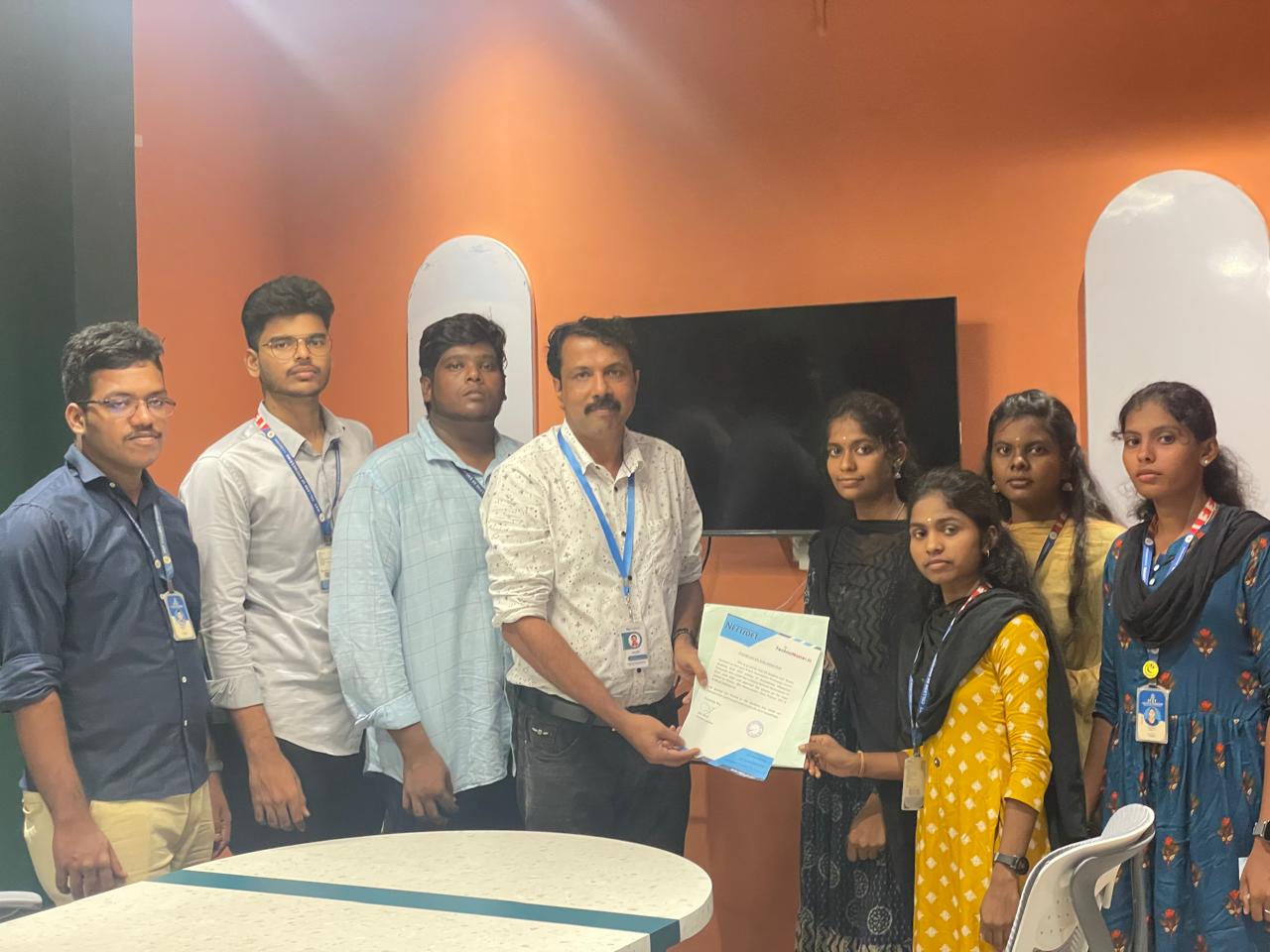
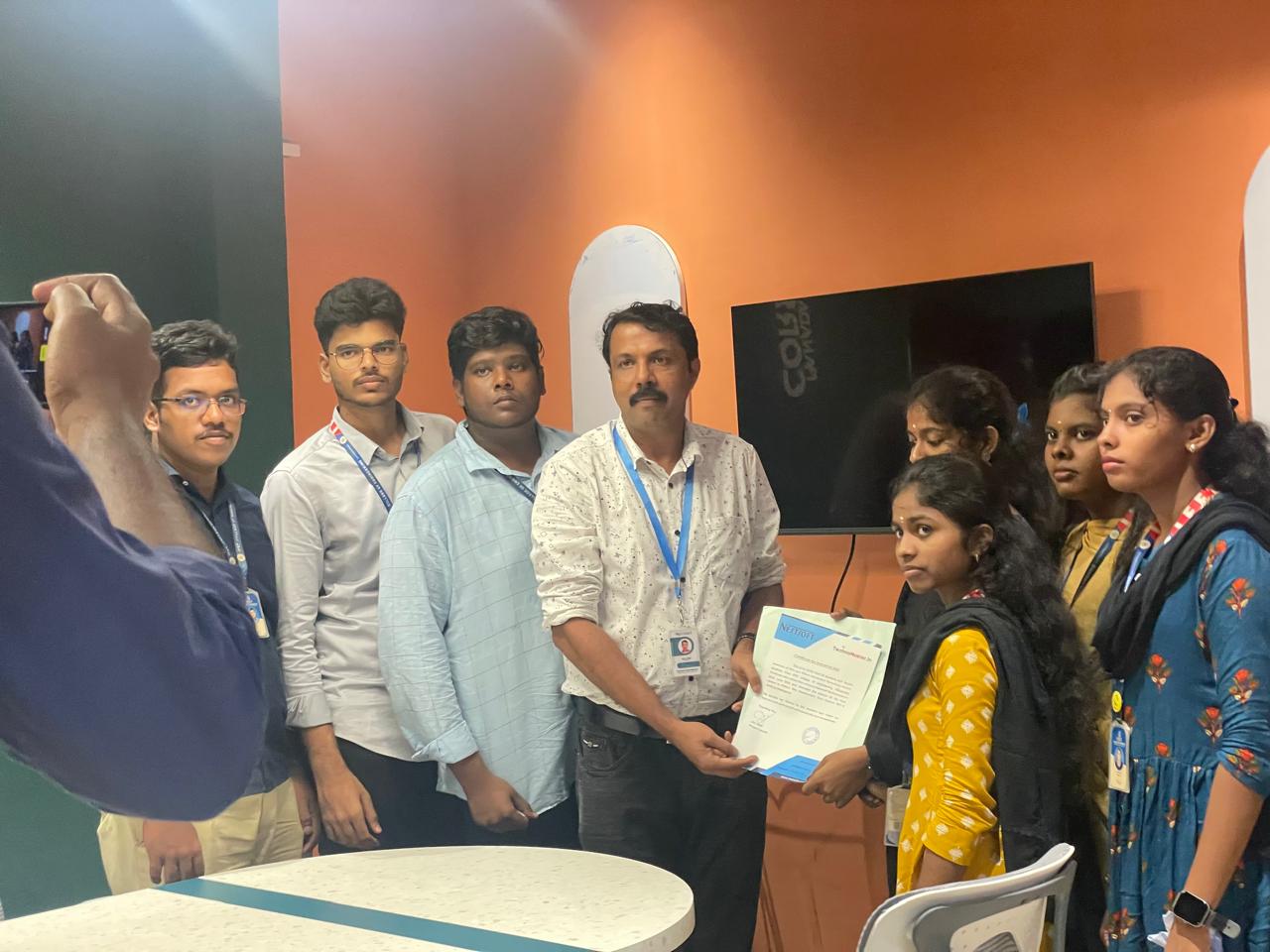
Our Training/Internship Process

Software Testing - Syllabus, Fees & Duration
Automation Testing Syllabus
- Sql introduction
- Sql Datatypes Sql basics-DDL
- DML,DCL,Comparison Operators
- Constraints
- Aggregate
- Functions
- Practice questions
- Joins
- Stored Procedures
- Practice Question
- Views
- Group By
- Having
- Order By Clauses Practice Question
- Introduction to the course
- Java Installation
- Features and JDK
- First Sample Program Data Types and Variables
- Operators Control Statements
- Loops Scanner
- Array Oops - Polymophism (Method overloading)
- Constructor Overloading
- Types of Inheritance and Method Overriding
- This and Super keyword
- final and static keyword
- Abstraction, Encapsulation, Exception, Thread
- Thread Synchronization
- Events Collection - List & Set Collection - Map & Queue Exam - Java
- Selenium Introduction
- IDE Features
- creating script Using IDE
- Recording
- Selenese
- Assert and verify Export Testcase
- Selenium Webdriver Introduction
- Webdriver manager
- Junit
- Locators
- Screenshot in selenium
- Handling Alerts
- BrokenLinks
- Testng and its Features
- Waits in Selenium
- Javascript Executor in Selenium
- Navigation Commands
- Dropdown handling using select class
- Button Text verification
- Radio buttons Actions class
- copy paste using action class
- draganddrop program Double click and right click using Action class
- Mouse Hover Program
- File upload
- File upload using AUTO IT and Robot class
- Cross browser Testing
- Handling multiple windows and tabs
- Handle pops in Chrome
- Datepicker
- DataDrivenTesting
- Extended Reports
- POM Design Pattern Frameworks
- Datadriven framework Maven
- Importance of maven
- Create Project in Maven
- Project
- Introduction to Jmeter
- overview of performance testing
- Jmeter workflow
- components of Jmeter
- Building a web Test plan
- Report generation
- Execution in NON-GUI mode Recording in Jmeter
- Blaze meter plugin Assertions
- Timers
- CSV Data set configuration
- Correlation
- Introduction to Postman
- API testing
- Download and install postman
- Collections
- Request methods
- Collection Runner
- Test script
- Variables
- Data driven testing
- API fetching
- JsonPathfinder
- Openweathermap API
- Newman
- Agile methodology
- scrum
- Introduction to Jira
- Jira issue types
- How to create an Epic/User stories in Jira
- Creating sprints in Jira
- Sprint lifecylce in Jira
- Backlogs
- Creating bugs
- Write Test Cases in Jira with Zephyr plugin
- Jira project flow
- Introduction
- Git installation
- Repository creation in GitHub
- Commands in git
MODULE 1 - SQL
MODULE 2 - JAVA
MODULE 3 - Selenium IDE
MODULE 4 - Selenium Webdriver
MODULE 5 - JMeter
MODULE 6 - POSTMAN
MODULE 7 - JIRA
MODULE 8 - GIR & GITH
This syllabus is not final and can be customized as per needs/updates

Manual Testing Syllabus
- What is Software testing?
- Importance of Software testing
- Basic terminology of Software testing
- Difference between Manual and Automated Testing
- Software testingPrinciples
- Levels of Testing
- Software development life cycle
- Requirements phase
- Analysis phase
- Design phase
- Coding phase
- Testing phase
- Release and maintenance phase
- Software Development life cycle models
- Waterfall model
- Agile model
- Spiral model
- V model
- Software Testing Life Cycle
- Testing Constraints
- Static Test Design
- Formal review
- Informal reviews
- Walkthroughs
- Technical review
- Inspection
- Dynamic test design
- White-box testing
- White-box testing technique
- Black box testing
- Black box testing technique
- Grey box testing
- Test plan document
- Scope of document
- Objective of testing
- Customisation of Test Plan document
- Requirement Traceability Matrix
- Importance of Test case
- Test case template
- Test Scenario
- Test Strategy
- Functional Testing Types
- Sanity Testing
- Smoke Testing
- Retesting
- Regression testing
- Adhoc testing and types
- UI testing
- Positive Testing
- Negative Testing
- Alpha and Beta Testing
- Non-functional Testing
- Performance testing
- Load testing
- Stress Testing
- Volume Testing
- Security testing
- Portability testing
- What is a bug?
- Bug life cycle
- Severity
- Priority
- Types of Bugs
- Bug Report Template
- Metric types and calculation
- Test Report Template
MODULE 1 - Introduction to Manual Testing
MODULE 2 – SDLC and STLC
MODULE 3 – Static and Dynamic Testing
MODULE 4 – Test Plan and Test Case Documents
MODULE 5 – Types of Testing
MODULE 6 – Bug Report and Test Report Documents
This syllabus is not final and can be customized as per needs/updates
- Since 2001, Making IT Experts by Experts
- Duration: 60 Hours (Vary as per your skill)
- Course Fees
- Individual Live Classes (1:1)
- Batch Classes @ Low Fees
- Training on Your Time, Any Where
- Access to Recorded Videos
- Practical Internship on Projects
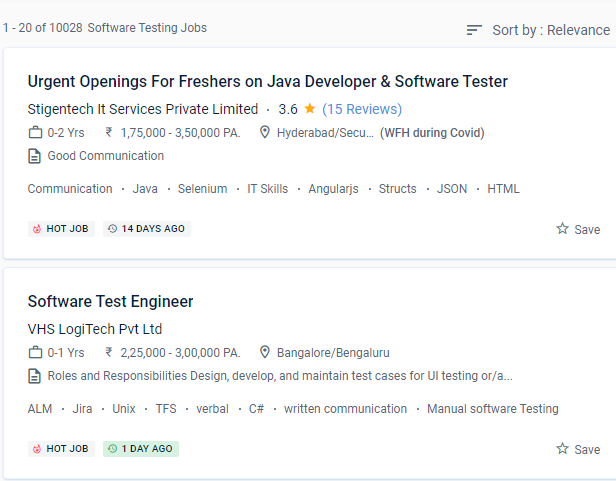
- 100% Placement Support by our jobsNEAR.in
- Training/Internship Certificate
- Agra
- Ahmedabad
- Alappuzha
- Aurangabad
- Bangalore
- Belgaum
- Bellary
- Bhubaneswar
- Chennai
- Cochin
- Coimbatore
- Delhi
- Dindigul
- Erode
- Gulbarga
- Guntur
- Gurgaon
- Haryana
- Hyderabad
- Idukki
- Indore
- Jaipur
- Kalyan
- Kannur
- Kanpur
- Kasaragod
- Kerala
- Kolkata
- Kollam
- Kottayam
- Kozhikode
- Lucknow
- Madurai
- Malappuram
- Mangaluru
- Mumbai
- Mysuru
- Nagpur
- Nashik
- Navi Mumbai
- Nizamabad
- Noida
- Palakkad
- Pathanamthitta
- Pune
- Punjab
- Salem
- Shimla
- Solapur
- Surat
- Thane
- Thanjavur
- Thirunelveli
- Thoothukudi
- Thrissur
- Tiruchirappalli
- Tiruppur
- Trivandrum
- Vadodara
- Varanasi
- Vellore
- Vijayawada
- Visakhapatnam
- Wayanad
Course Highlights

Our Locations
 It boosts the worth of your resume. This allows users to try a variety of desktop, web, and mobile apps. Although many universities offer software testing automation training and placement, just a handful excel at coaching. Manual testing consumes a considerable amount of human resources, is expensive in the near term, and takes a long time. The course ensures that you will be placed in an IT company 100 percent of the time. The instructors have over 5 years of expertise and have trained over 500 pupils in a single year. Beginners, intermediates, and specialists can use the software testing automation. They have over 15 years of real-world software testing expertise and are certified QA consultants.
Manual software testing is a rewarding job option. Automated testing coverage is vastly improved.
It boosts the worth of your resume. This allows users to try a variety of desktop, web, and mobile apps. Although many universities offer software testing automation training and placement, just a handful excel at coaching. Manual testing consumes a considerable amount of human resources, is expensive in the near term, and takes a long time. The course ensures that you will be placed in an IT company 100 percent of the time. The instructors have over 5 years of expertise and have trained over 500 pupils in a single year. Beginners, intermediates, and specialists can use the software testing automation. They have over 15 years of real-world software testing expertise and are certified QA consultants.
Manual software testing is a rewarding job option. Automated testing coverage is vastly improved.