Search Engine Marketing (SEM) Online Live Class by Experts
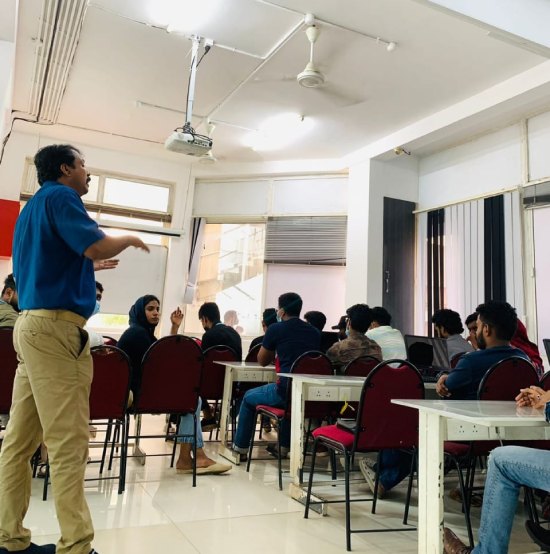
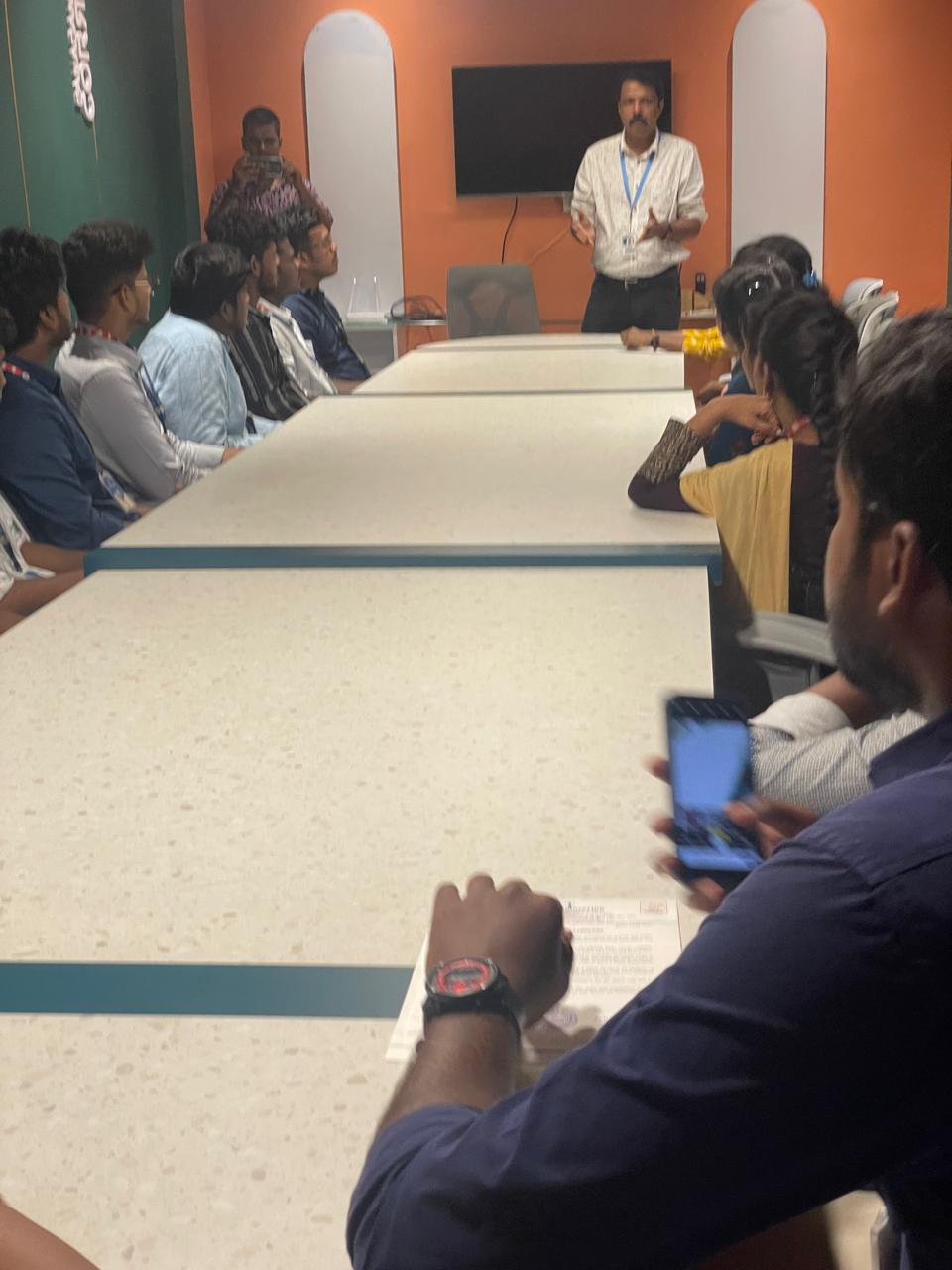
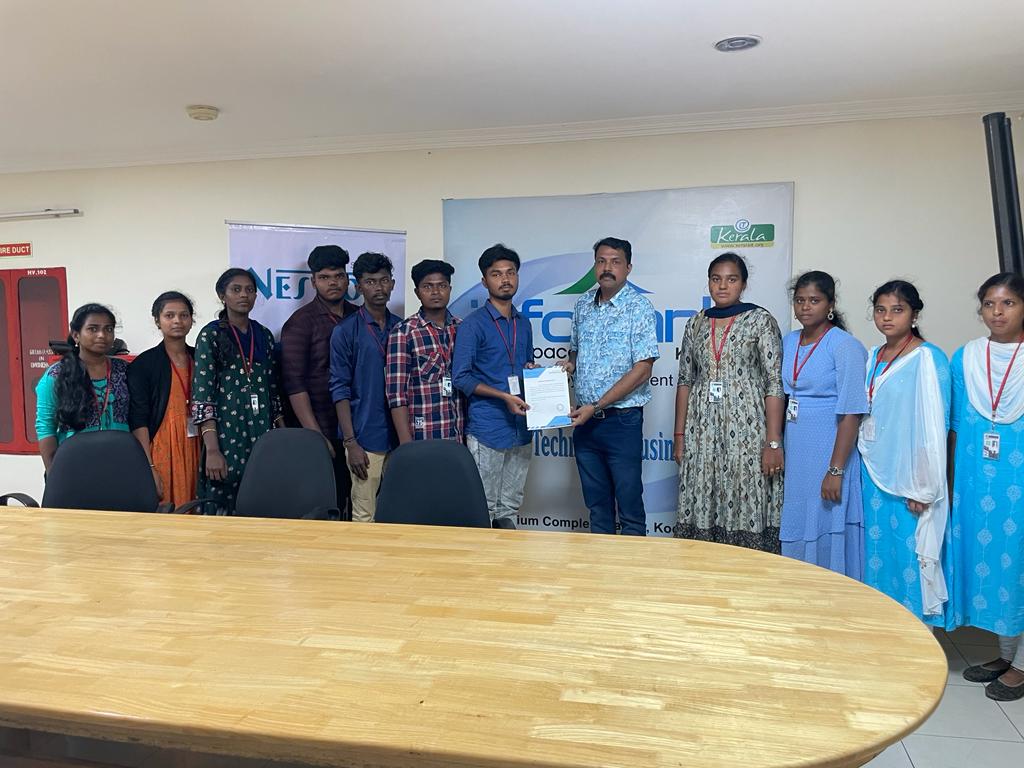
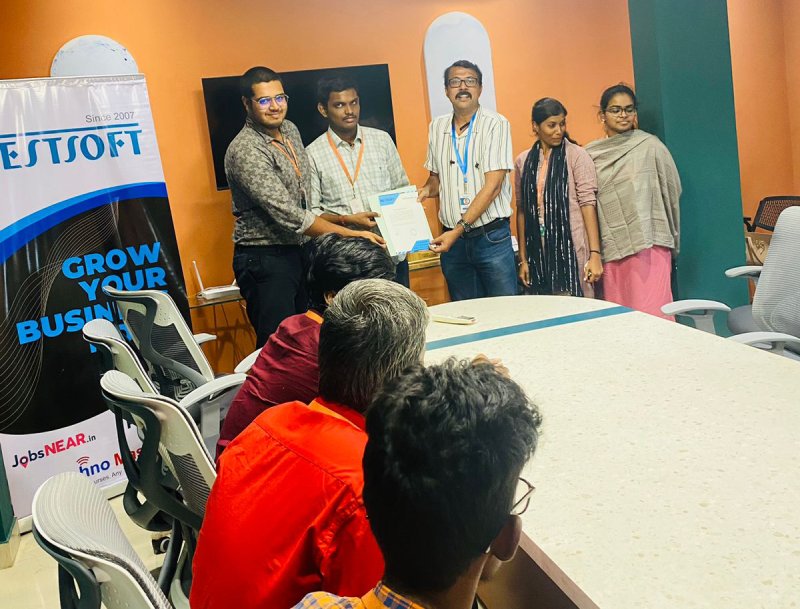
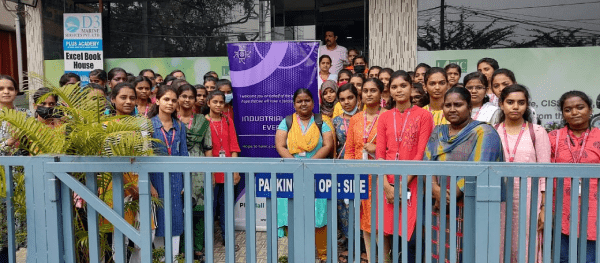
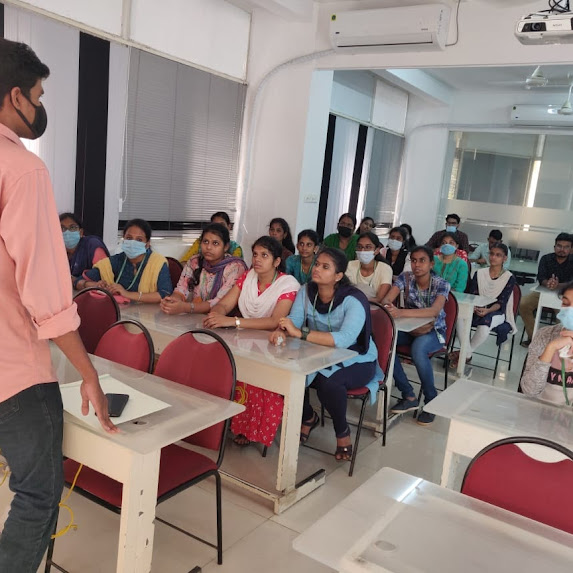
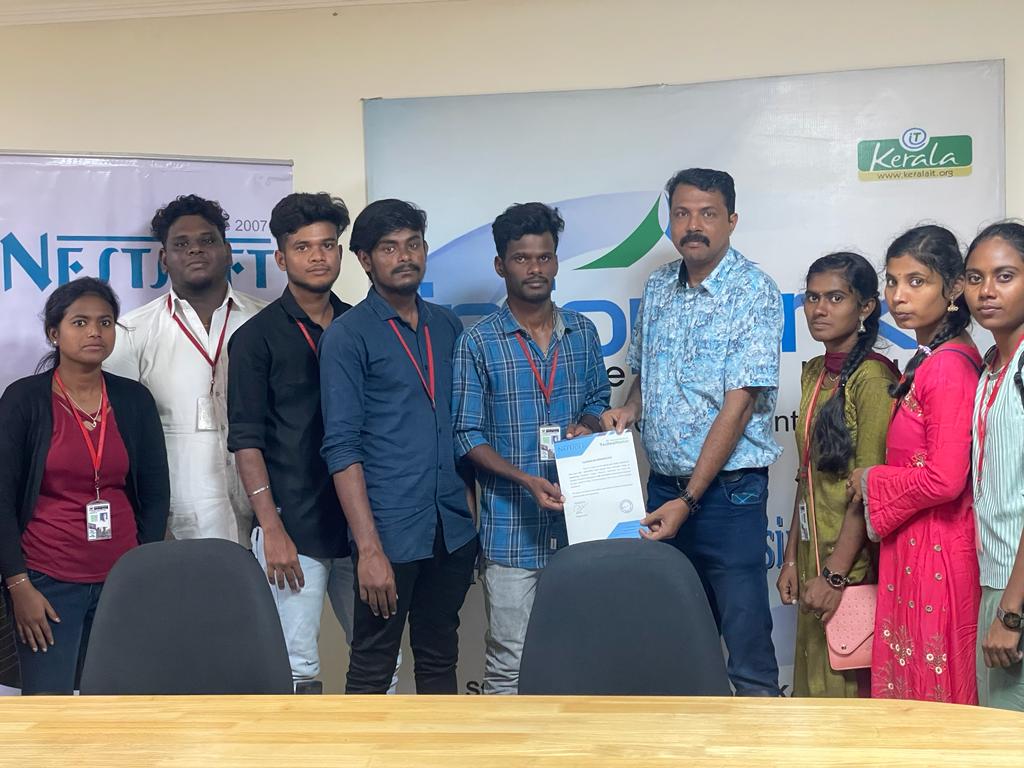
Our Training/Internship Process

Search Engine Marketing (SEM) - Syllabus, Fees & Duration
Module 1: Introduction to Search Engine Marketing
Overview of SEM
- What is Search Engine Marketing?
- Importance of SEM in Digital Marketing
- Difference between SEM, SEO, and PPC
Understanding Search Engines
- How search engines work
- Organic vs. Paid results
- Key search engine platforms: Google, Bing, Yahoo
SEM Terminulogies
- CPC, CTR, Quality Score, Conversion Rate, etc.
Module 2: Google Ads Basics
Introduction to Google Ads
- Types of Google Ads campaigns
- Google Ads account setup
- Interface overview and navigation
Campaign Types
- Search campaigns
- Display campaigns
- Shopping ads
- Video campaigns (YouTube Ads)
- Performance Max campaigns
Keyword Research
- Importance of keywords in SEM
- Keyword research touls (Google Keyword Planner, SEMrush, etc.)
- Long-tail vs. short-tail keywords
Module 3: Setting Up SEM Campaigns
Search Campaign Creation
- Writing effective ad copy
- Creating ad groups and selecting keywords
- Using match types: Broad, Phrase, Exact, Negative
Display Campaign Creation
- Designing image and responsive ads
- Targeting options: Audience, demographics, interests
Bid Strategies
- Manual CPC vs. Automated bidding
- Enhanced CPC, Target CPA, Target ROAS
Module 4: Optimization Techniques
Quality Score Optimization
- Factors affecting Quality Score: CTR, Ad Relevance, Landing Page Experience
Landing Page Optimization
- Creating user-friendly, mobile-optimized landing pages
- A/B testing for landing pages
Ad Extensions
- Types of extensions: Sitelinks, Callouts, Structured Snippets
- Best practices for using ad extensions
Module 5: Analytics and Performance Tracking
Introduction to Google Analytics
- Setting up and linking Google Analytics with Ads
- Tracking conversions and goals
Analyzing Campaign Performance
- Understanding metrics: Impressions, clicks, conversions
- Using reports for insights (Search Query Report, Auction Insights)
Campaign Optimization
- Improving CTR, CPC, and conversion rate
- Identifying and pausing underperforming keywords
Module 6: Advanced SEM Strategies
Remarketing Campaigns
- Understanding remarketing
- Setting up audience lists
- Dynamic remarketing with display ads
Competitor Analysis
- Touls for competitor analysis (SpyFu, Ahrefs, SEMrush)
- Building strategies to outrank competitors
-
Geo-Targeting and Local Search Ads
- Importance of location-based targeting
- Setting up and optimizing local ads
Module 7: Bing Ads and Other Platforms
Overview of Bing Ads
- Setting up Bing Ads account
- Importing campaigns from Google Ads
Advertising on Other Platforms
- Yahoo Ads
- DuckDuckGo Advertising
Module 8: Budgeting and ROI in SEM
Budget Allocation
- How to set and manage ad budgets
- Daily vs. monthly budgets
Measuring ROI in SEM
- Calculating ROI for SEM campaigns
- Optimizing for profitability
Module 9: SEM Touls and Automation
Touls for SEM Management
- SEMrush, Ahrefs, SpyFu, and Ubersuggest
- Using Google Ads Editor
Automation in SEM
- Using scripts for automation
- Smart bidding and AI-powered features
Module 10: SEM Best Practices and Trends
SEM Best Practices
- Ad copywriting tips
- Avoiding common SEM mistakes
Emerging Trends in SEM
- Voice search and its impact
- AI and machine learning in SEM
Module 11: Capstone Project
- Create and manage a live SEM campaign
- Analyze and optimize performance
- Present findings and strategy
This syllabus is not final and can be customized as per needs/updates
- Since 2001, Making IT Experts by Experts
- Duration: 30 Hours (Vary as per your skill)
- Course Fees
- Individual Live Classes (1:1)
- Batch Classes @ Low Fees
- Training on Your Time, Any Where
- Access to Recorded Videos
- Practical Internship on Projects
- 100% Placement Support by our jobsHybrid.com
- Training/Internship Certificate
- Agra
- Ahmedabad
- Alappuzha
- Aurangabad
- Bangalore
- Belgaum
- Bellary
- Bhubaneswar
- Chennai
- Cochin
- Coimbatore
- Delhi
- Dindigul
- Erode
- Gulbarga
- Guntur
- Gurgaon
- Haryana
- Hyderabad
- Idukki
- Indore
- Jaipur
- Kalyan
- Kannur
- Kanpur
- Kasaragod
- Kerala
- Kolkata
- Kollam
- Kottayam
- Kozhikode
- Lucknow
- Madurai
- Malappuram
- Mangaluru
- Mumbai
- Mysuru
- Nagpur
- Nashik
- Navi Mumbai
- Nizamabad
- Noida
- Palakkad
- Pathanamthitta
- Pune
- Punjab
- Salem
- Shimla
- Solapur
- Surat
- Thane
- Thanjavur
- Thirunelveli
- Thoothukudi
- Thrissur
- Tiruchirappalli
- Tiruppur
- Trivandrum
- Vadodara
- Varanasi
- Vellore
- Vijayawada
- Visakhapatnam
- Wayanad
Course Highlights

Our Locations

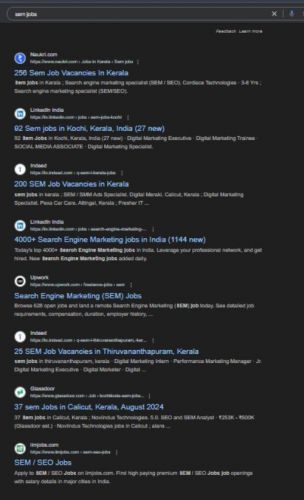
 This course is ideal for digital marketers, entrepreneurs, and professionals seeking expertise in paid search marketing to achieve business goals and outperform competitors. . Explore advanced concepts like remarketing, geo-targeting, and campaign automation. Learn the fundamentals of SEM, including keyword research, ad creation, bidding strategies, and performance analysis using platforms like Google Ads and Bing Ads. Gain hands-on experience with tools like Google Analytics, SEMrush, and Google Ads Editor to enhance campaign efficiency. The Search Engine Marketing (SEM) course provides comprehensive training on creating, managing, and optimizing paid search campaigns to drive targeted traffic and maximize ROI.