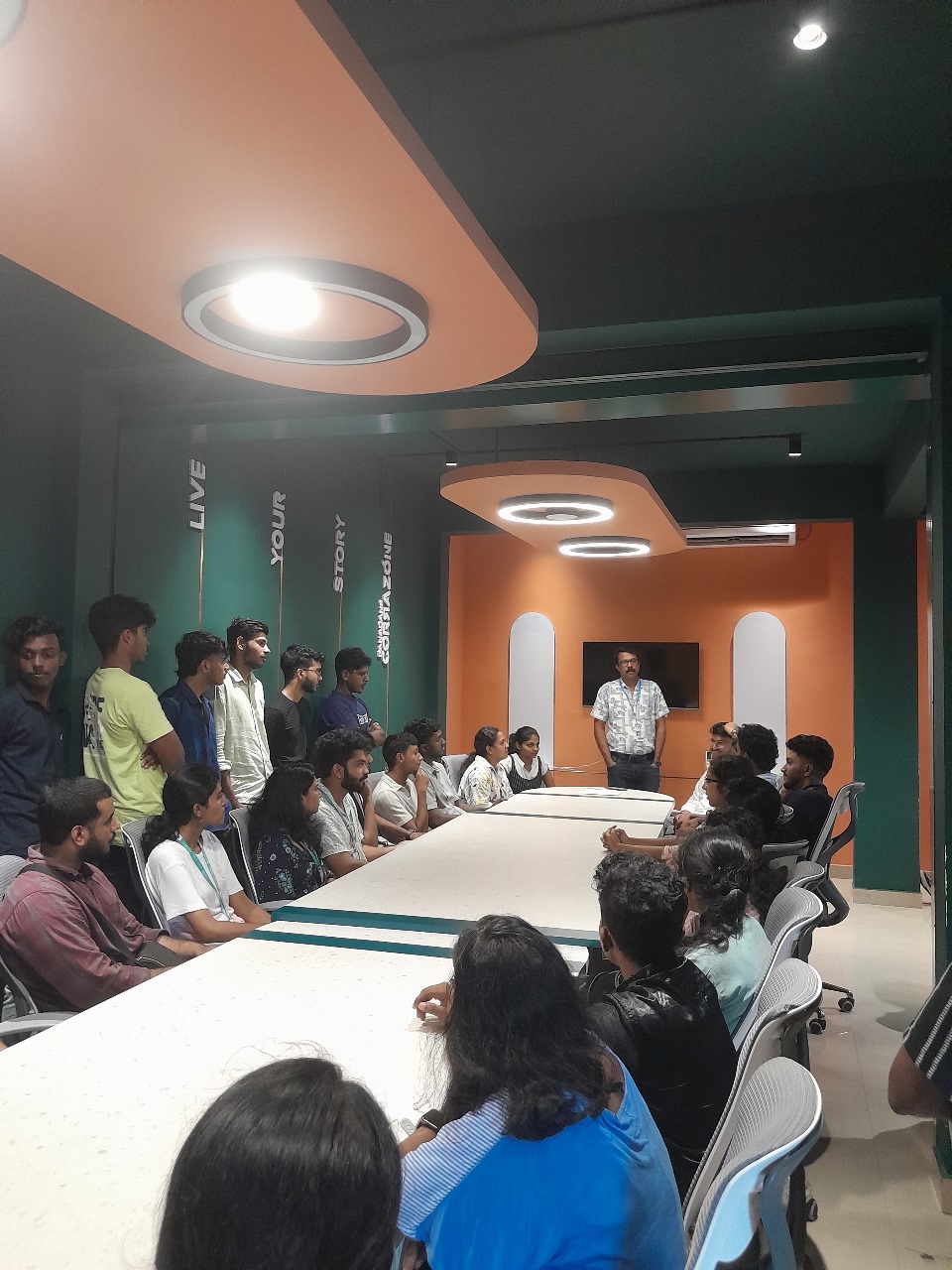
Microsoft Copilot & AI Productivity Online Live Class by Experts
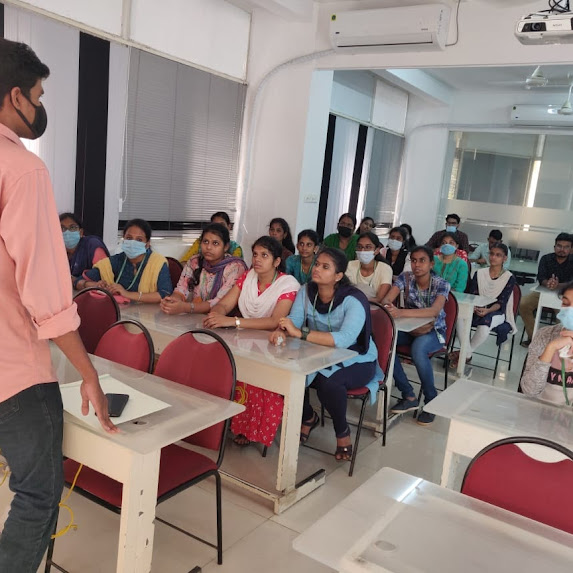
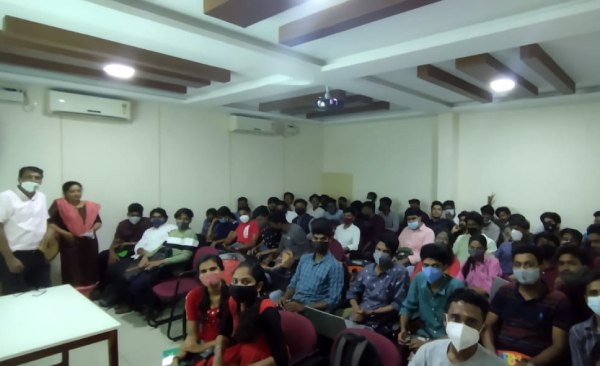
Our Training/Internship Process

Microsoft Copilot & AI Productivity - Syllabus, Fees & Duration
Introduction
The Microsoft Copilot & AI Productivity course is a 1-month practical training program designed to teach AI-powered productivity techniques using Microsoft Copilot and Microsoft 365 applications. Students will learn how to use Artificial Intelligence to automate tasks, create content, analyze data, and improve workplace efficiency.
Course Syllabus
Month 1: Microsoft Copilot & AI Productivity
Introduction to AI Productivity
- Introduction to Artificial Intelligence
- Generative AI Fundamentals
- Role of AI in Workplace Productivity
- AI Assistants and Copilot Technology
- Benefits of AI Automation
- Responsible AI Usage and Ethics
Microsoft Copilot Fundamentals
- Introduction to Microsoft Copilot
- Copilot Features and Capabilities
- Understanding AI Prompts
- Writing Effective Copilot Prompts
- Context-Based Prompting
- Copilot Security and Privacy
Microsoft Word with Copilot
- AI-Assisted Document Creation
- Generating Content Using Copilot
- Document Summarization
- Improving Writing Quality with AI
- Creating Reports and Business Documents
- Document Formatting and Editing Assistance
Microsoft Excel with Copilot
- AI-Based Data Analysis
- Creating Formulas Using Copilot
- Data Cleaning and Summarization
- Generating Insights from Data
- Creating Charts and Reports
- Spreadsheet Automation
Microsoft PowerPoint with Copilot
- AI Presentation Creation
- Generating Slide Content
- Presentation Design Improvement
- Creating Professional Business Presentations
- Summarizing Presentation Content
Microsoft Outlook & Teams with Copilot
- AI Email Writing Assistance
- Email Summarization
- Meeting Summary Generation
- Task and Schedule Management
- Team Collaboration Enhancement
AI Prompt Engineering for Productivity
- Prompt Writing Basics
- Role-Based AI Prompts
- Business Productivity Prompts
- Creative Content Prompts
- Improving AI Generated Responses
AI Tools Integration & Automation
- Microsoft 365 AI Tools Overview
- Copilot Studio Introduction
- Power Automate with AI
- AI Workflow Automation
- Connecting AI with Business Applications
Practical Projects
- AI-Based Business Report Generator
- Automated Excel Data Analysis Project
- AI Presentation Creator
- Smart Email Assistant
- AI Productivity Workflow Project
Tools and Technologies
- Microsoft Copilot
- Microsoft 365
- Microsoft Word Copilot
- Microsoft Excel Copilot
- Microsoft PowerPoint Copilot
- Microsoft Outlook Copilot
- Microsoft Teams Copilot
- Copilot Studio
- Power Automate
- Generative AI Tools
This syllabus is not final and can be customized as per needs/updates
- Since 2001, Making IT Experts by Experts
- Duration: 30 Hours (Vary as per your skill)
- Course Fees
- Individual Live Classes (1:1)
- Batch Classes @ Low Fees
- Training on Your Time, Any Where
- Access to Recorded Videos
- Practical Internship on Projects
- 100% Placement Support by our jobsHybrid.com
- Training/Internship Certificate
- Agra
- Ahmedabad
- Alappuzha
- Aurangabad
- Bangalore
- Belgaum
- Bellary
- Bhubaneswar
- Chennai
- Cochin
- Coimbatore
- Delhi
- Dindigul
- Erode
- Gulbarga
- Guntur
- Gurgaon
- Haryana
- Hyderabad
- Idukki
- Indore
- Jaipur
- Kalyan
- Kannur
- Kanpur
- Kasaragod
- Kerala
- Kolkata
- Kollam
- Kottayam
- Kozhikode
- Lucknow
- Madurai
- Malappuram
- Mangaluru
- Mumbai
- Mysuru
- Nagpur
- Nashik
- Navi Mumbai
- Nizamabad
- Noida
- Palakkad
- Pathanamthitta
- Pune
- Punjab
- Salem
- Shimla
- Solapur
- Surat
- Thane
- Thanjavur
- Thirunelveli
- Thoothukudi
- Thrissur
- Tiruchirappalli
- Tiruppur
- Trivandrum
- Vadodara
- Varanasi
- Vellore
- Vijayawada
- Visakhapatnam
- Wayanad
Course Highlights

Our Locations

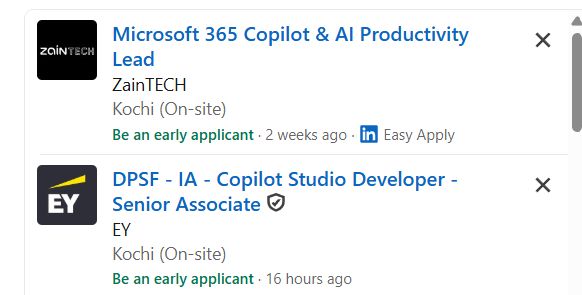
 Join our **Microsoft Copilot AI Training in Bellary** to develop future-ready skills and improve professional performance using advanced AI technologies. **Course Description (Use Bellary)**
Our **Microsoft Copilot & AI Productivity Course in Bellary** is a practical 1-month training program designed to help learners use Artificial Intelligence tools to improve workplace productivity, automate daily tasks, and enhance business efficiency. Students will learn how to use Microsoft Copilot with Word, Excel, PowerPoint, Outlook, and Teams for AI-powered content creation, data analysis, and workflow automation.
This course provides hands-on experience with Generative AI, AI prompting, Microsoft 365 automation, and modern productivity solutions.
.
Join our **Microsoft Copilot AI Training in Bellary** to develop future-ready skills and improve professional performance using advanced AI technologies. **Course Description (Use Bellary)**
Our **Microsoft Copilot & AI Productivity Course in Bellary** is a practical 1-month training program designed to help learners use Artificial Intelligence tools to improve workplace productivity, automate daily tasks, and enhance business efficiency. Students will learn how to use Microsoft Copilot with Word, Excel, PowerPoint, Outlook, and Teams for AI-powered content creation, data analysis, and workflow automation.
This course provides hands-on experience with Generative AI, AI prompting, Microsoft 365 automation, and modern productivity solutions.
.