Microsoft Azure Online Live Class by Experts
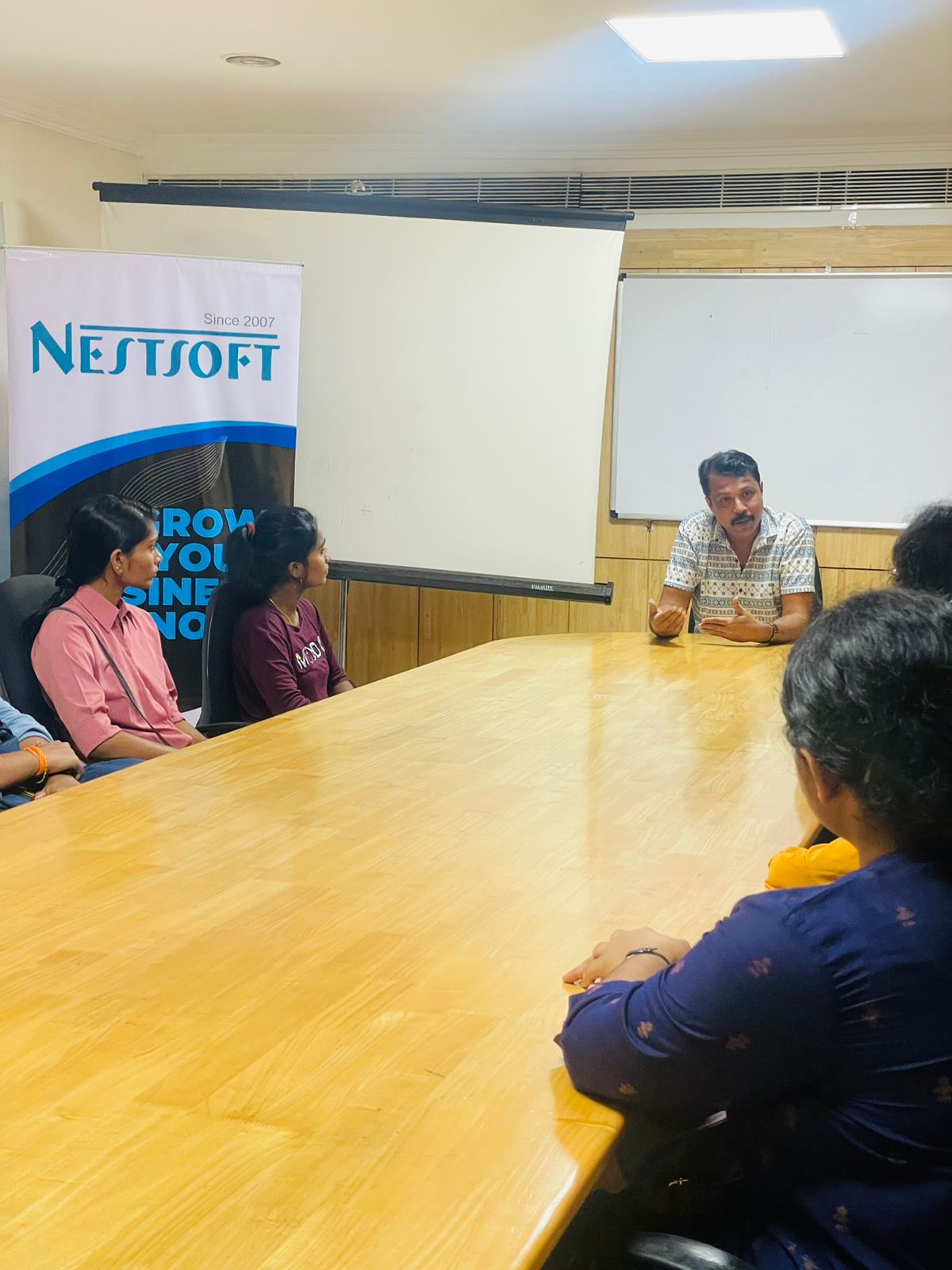
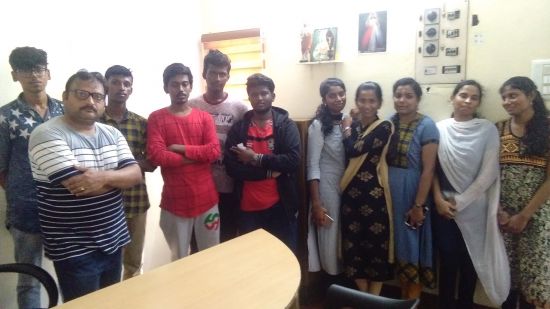
Our Training/Internship Process

Microsoft Azure - Syllabus, Fees & Duration
Module 1. Introduction
Module 2. Manage Azure AD objects
- create users and groups
- manage user and group properties
- manage device settings
- perform bulk user updates
- manage guest accounts
- configure Azure AD Join
- configure self-service password reset
Module 3. Manage role-based access control (RBAC)
- create a custom role
- Provide access to Azure resources by assigning roles
- resource groups
- resources (VM, disk, etc.)
- interpret access assignments
- manage multiple directories
Module 4. Manage subscriptions and governance
- configure Azure policies
- configure resource locks
- apply tags
- manage subscriptions
- configure Cost Management
- configure management groups
Module 5. Manage storage accounts
- configure network access to storage accounts
- create and configure storage accounts
- generate shared access signature
- manage access keys
- implement Azure storage replication
- Configure Azure AD Authentication for a storage Account
Module 6. Manage data in Azure storage
- Export from Azure Job
- import into Azure job
- install and use Azure Storage Explorer
- copy data by using AZCopy
Module 7. Configure Azure files and Azure blob storage
- create an Azure file share
- create and configure Azure File Sync service
- configure Azure blob storage
- configure storage tiers for Azure blobs
Module 8. Configure VMs for high availability and scalability
- configure high availability
- deploy and configure scale sets
- Automate deployment and configuration of VMs
- modify Azure Resource Manager (ARM) template
- configure VHD template
- deploy from template
- save a deployment as an ARM template
- Automate Configuration Management
Module 9. Create and configure VMs
- configure Azure Disk Encryption
- move VMs from one resource group to another
- manage VM sizes
- add data discs
- configure networking
- redeploy VMs
Module 10. Create and configure Containers
- create and configure Azure Kubernetes Service (AKS)
- create and configure Azure Container Instances (ACI)
Module 11. Create and configure Web Apps
- create and configure App Service
- create and configure App Service Plans
Module 12. Implement and manage virtual networking
- create and configure VNET peering
- configure private and public IP addresses, network routes, network interface, subnets, and virtual network
Module 13. Configure name resolution
- configure Azure DNS
- configure custom DNS settings
- Configure a private or public DNS
Module 14. None Secure access to Virtual Network
- create security rules
- associate an NSG to a subnet or network interface
- evaluate effective security rules
- deploy and configure Azure Firewall
- deploy and configure Azure Bastion Service
Module 15. Configure load balancing
- configure Application Gateway
- configure an internal load balancer
- configure load balancing rules
- configure a public load balancer
- troubleshoot load balancing
Module 16. Monitor and troubleshoot virtual networking
- monitor on-premises connectivity
- use Network Performance Monitor
- use Network Watcher
- troubleshoot external networking
- troubleshoot virtual network connectivity
Module 17. Integrate an on-premises network with an Azure virtual network
- create and configure Azure VPN Gateway
- create and configure VPNs
- configure ExpressRoute
- configure Azure Virtual WAN
Module 18. Monitor resources by using Azure Monitor
- configure and interpret metrics
- a analyze metrics across subscriptions
- configure Log Analytics
- query and analyses logs create a query
- set up alerts and actions
- Create and test alerts
- View alerts in Azure
- configure Application Insights
Module 19. Implement backup and recovery
- configure and review backup reports
- perform backup and restore operations by using Azure Backup
- create a Recovery Services Vault
- create and configure backup policy
- perform site-to-site recovery by using Azure Site Recovery
This syllabus is not final and can be customized as per needs/updates
- Since 2001, Making IT Experts by Experts
- Duration: 30 Hours (Vary as per your skill)
- Course Fees
- Individual Live Classes (1:1)
- Batch Classes @ Low Fees
- Training on Your Time, Any Where
- Access to Recorded Videos
- Practical Internship on Projects
- 100% Placement Support by our jobsHybrid.com
- Training/Internship Certificate
- Agra
- Ahmedabad
- Alappuzha
- Aurangabad
- Bangalore
- Belgaum
- Bellary
- Bhubaneswar
- Chennai
- Cochin
- Coimbatore
- Delhi
- Dindigul
- Erode
- Gulbarga
- Guntur
- Gurgaon
- Haryana
- Hyderabad
- Idukki
- Indore
- Jaipur
- Kalyan
- Kannur
- Kanpur
- Kasaragod
- Kerala
- Kolkata
- Kollam
- Kottayam
- Kozhikode
- Lucknow
- Madurai
- Malappuram
- Mangaluru
- Mumbai
- Mysuru
- Nagpur
- Nashik
- Navi Mumbai
- Nizamabad
- Noida
- Palakkad
- Pathanamthitta
- Pune
- Punjab
- Salem
- Shimla
- Solapur
- Surat
- Thane
- Thanjavur
- Thirunelveli
- Thoothukudi
- Thrissur
- Tiruchirappalli
- Tiruppur
- Trivandrum
- Vadodara
- Varanasi
- Vellore
- Vijayawada
- Visakhapatnam
- Wayanad
Course Highlights

Our Locations

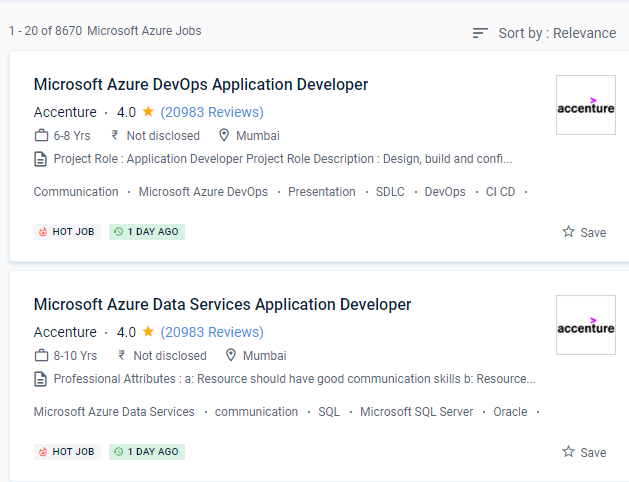
 This course will teach you how to manage Azure subscriptions, secure identities, manage infrastructure, configure virtual networking and connect Azure and nearby sites, manage network traffic, implement storage solutions, create and scale virtual machines, implement web apps and containers, backup and share data, and monitor your resolution.
It's also suitable for both large and small enterprises, as it can be tailored to meet specific needs and budget constraints. It offers cloud computing, analytics, storage, and networking, among other services.
. For its platform, users, and practically every data point, Microsoft adheres to high-level security policies and methods. Be knowledgeable about Azure Services, such as computation, networking, storage, and databases. The IT business offers high earnings and a diverse range of career opportunities. SDL is a critical development technique that will improve software reliability by eliminating defects and vulnerabilities while also lowering software maintenance expenses. Nestsoft is one of the finest Microsoft Azure online coaching institutes in Palakkad, providing high-quality training with the assistance of industry experts. This technology is easy to use and readily available, with numerous IT behemoths snatching up a sizable portion of the market.
This course will teach you how to manage Azure subscriptions, secure identities, manage infrastructure, configure virtual networking and connect Azure and nearby sites, manage network traffic, implement storage solutions, create and scale virtual machines, implement web apps and containers, backup and share data, and monitor your resolution.
It's also suitable for both large and small enterprises, as it can be tailored to meet specific needs and budget constraints. It offers cloud computing, analytics, storage, and networking, among other services.
. For its platform, users, and practically every data point, Microsoft adheres to high-level security policies and methods. Be knowledgeable about Azure Services, such as computation, networking, storage, and databases. The IT business offers high earnings and a diverse range of career opportunities. SDL is a critical development technique that will improve software reliability by eliminating defects and vulnerabilities while also lowering software maintenance expenses. Nestsoft is one of the finest Microsoft Azure online coaching institutes in Palakkad, providing high-quality training with the assistance of industry experts. This technology is easy to use and readily available, with numerous IT behemoths snatching up a sizable portion of the market.