CorelDRAW Online Live Class by Experts
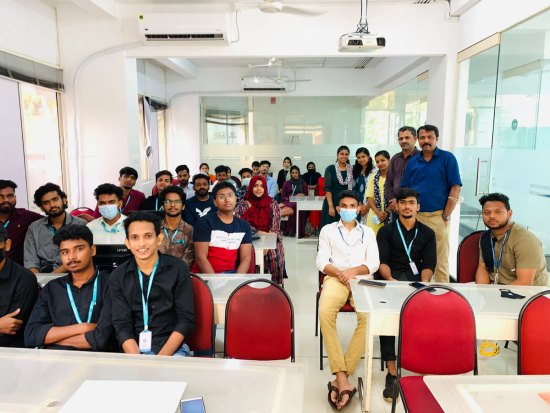
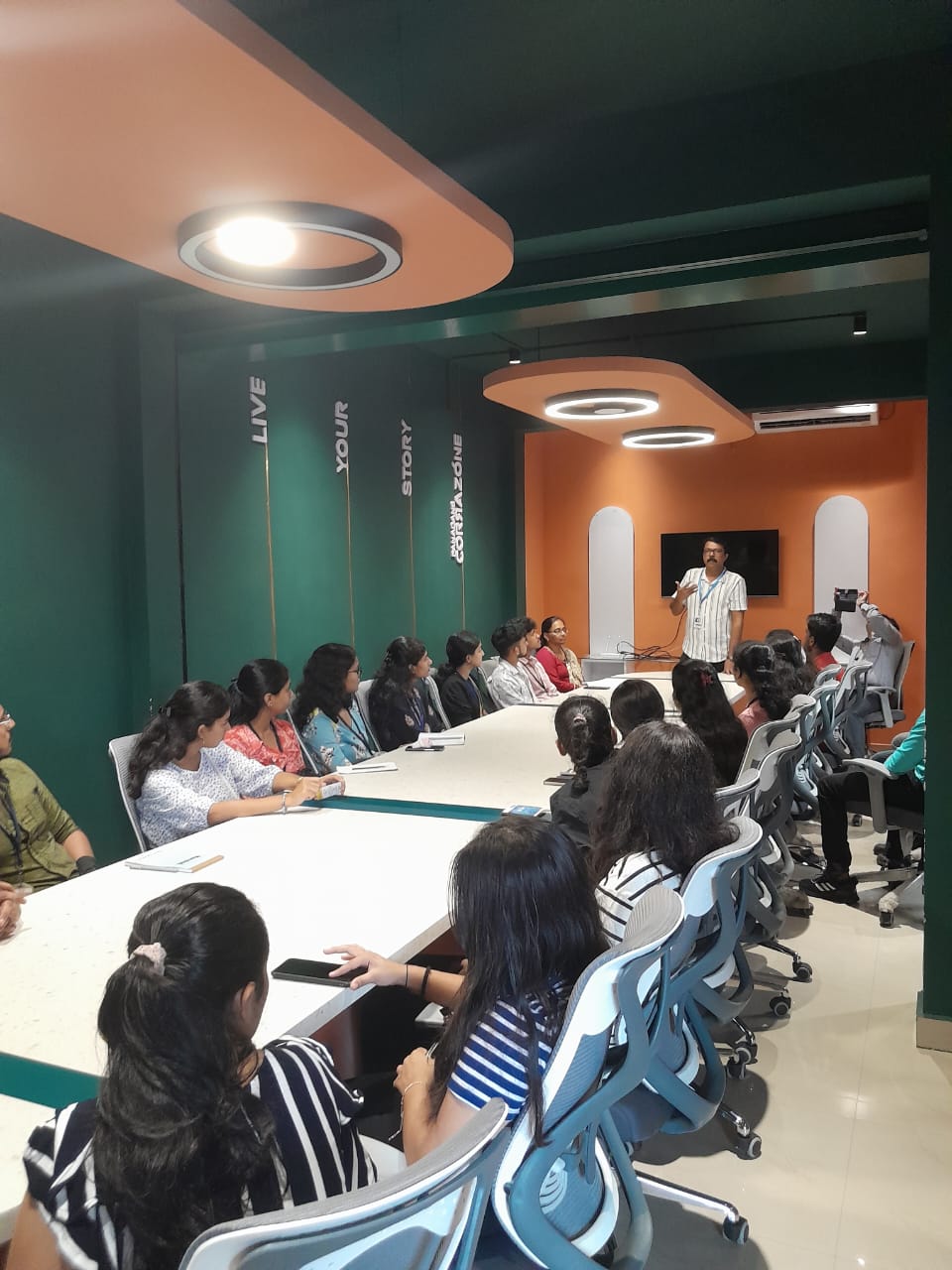
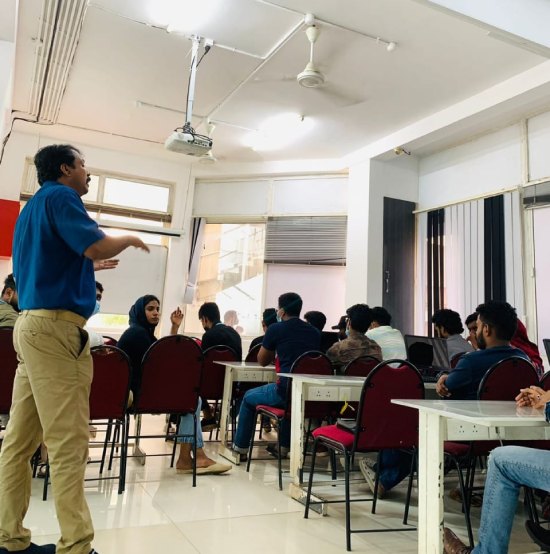
Our Training/Internship Process

CorelDRAW - Syllabus, Fees & Duration
Module 1: Introduction to CorelDRAW
- Installing CorelDRAW Graphics Suite 2019
- Basics of CorelDRAW
- Vector Graphics and Bitmaps
- Starting and Opening Drawings
- Previewing Drawings
- Viewing Modes
- Saving and Closing Drawings
- CorelDRAW Workspace
- Creative Tools and Content
- Touchscreen and Wheel Devices
Module 2: Lines, Shapes, and Outlines
- Lines, Outlines, and Brushstrokes
- Shapes and Shape Objects
- Symmetrical Drawing
Module 3: Working with Objects, Symbols, and Layers
- Introduction to Objects
- Linking and Embedding Objects
- Layers and Symbols
- Managing and Tracking Projects
Module 4: Colour, Fills, and Transparencies
- Colour
- Colour Models and Depth
- Choosing Colours
- Creating and Editing Colour Palettes
- Uniform Fills and Fountain Fills
- Vector and Bitmap Pattern Fills
- Texture, PostScript, and Mesh Fills
- Object Transparency
- Managing Colours
Module 5: Exploring Special Effects
- Lenses
- Adding 3D Effects
- Mosaics
Module 6: Working with Text
- Adding and Manipulating Text
- Formatting Text
- Managing Fonts
- Writing Tools
Module 7: Templates and Styles
- Templates
- Using and Finding Templates
- Managing Templates
- Creating and Editing Templates
- Introducing Styles and Style Sets
- Creating, Applying, and Editing Styles and Style Sets
- Managing Default Object Properties
- Importing and Exporting Style Sheets
- Colour Styles
- Creating and Applying Colour Styles
- Editing and Viewing Colour Styles
- Exporting and Importing Colour Styles
Module 8: Pages and Layout
- Pages and Layout Tools
- Page Layout and Background
- Adding and Deleting Pages
- Rulers
- Document Grid and Pixel Grid
- Tables
- Adding Tables
- Selecting, Moving, and Navigating Table Components
- Inserting and Deleting Table Rows and Columns
- Formatting Tables and Cells
- Converting Tables to Text
Module 9: Introduction to Bitmaps
- Working with Bitmaps
- Converting Vector Graphics to Bitmaps
- Importing and Cropping Bitmaps
- Bitmap Dimensions and Resolution
- Straightening Bitmaps
- Image Adjustment Lab
- Adjusting Colour and Tone
- Tone Curve Filter
- Special Effects Categories
- Bitmap Colour Modes
- Introducing Trace
- RAW Camera Files
Module 10: Web Graphics
- File Formats
- Importing and Exporting Files
- Exporting to PDF
- Supported File Formats
- Customising and Automating
- Setting Basic Preferences
- Customising CorelDRAW
- Using Macros and Scripts for Automating Ta
This syllabus is not final and can be customized as per needs/updates
- Since 2001, Making IT Experts by Experts
- Duration: 20 Hours (Vary as per your skill)
- Course Fees
- Individual Live Classes (1:1)
- Batch Classes @ Low Fees
- Training on Your Time, Any Where
- Access to Recorded Videos
- Practical Internship on Projects
- 100% Placement Support by our jobsHybrid.com
- Training/Internship Certificate
- Agra
- Ahmedabad
- Alappuzha
- Aurangabad
- Bangalore
- Belgaum
- Bellary
- Bhubaneswar
- Chennai
- Cochin
- Coimbatore
- Delhi
- Dindigul
- Erode
- Gulbarga
- Guntur
- Gurgaon
- Haryana
- Hyderabad
- Idukki
- Indore
- Jaipur
- Kalyan
- Kannur
- Kanpur
- Kasaragod
- Kerala
- Kolkata
- Kollam
- Kottayam
- Kozhikode
- Lucknow
- Madurai
- Malappuram
- Mangaluru
- Mumbai
- Mysuru
- Nagpur
- Nashik
- Navi Mumbai
- Nizamabad
- Noida
- Palakkad
- Pathanamthitta
- Pune
- Punjab
- Salem
- Shimla
- Solapur
- Surat
- Thane
- Thanjavur
- Thirunelveli
- Thoothukudi
- Thrissur
- Tiruchirappalli
- Tiruppur
- Trivandrum
- Vadodara
- Varanasi
- Vellore
- Vijayawada
- Visakhapatnam
- Wayanad
Course Highlights

Our Locations


 . Our live training classes are handled by specialists in this field and also the syllabus starts from the fundamentals to the most advanced of the subject. It provides each necessary and value-adding tool for the artistic professionals and aspiring designers who wish to show their imagination into an incredible kind of art. it is a mixture of advanced illustration, image editing, designing planning, vector graphics, page layout designing, typography, pre-press layout designing, and plenty of extra options in one pack. Similarly, the software supports Hairline, with zero line-width. we know CorelDraw could be a Vector graphics editor and designer computer code software it offers us a variety of exciting tools that creates the operating of CorelDraw software simple. It's quite probably the foremost thought of illustrations progressing to a program accessible on the lookout. This stunning design software meets the everyday requests of working architects. Additionally, it has several predesigned templates, Clipart & photographic camera images accessible that help you in exploring your idea of graphics designing throughout working with it. you'll create professional logos, brochures, business cards, and alternative advertising elements with the help of these tools and would possibly provide them different appearances consistent with the wants of your client.