Autodesk 3Ds Max Online Live Class by Experts
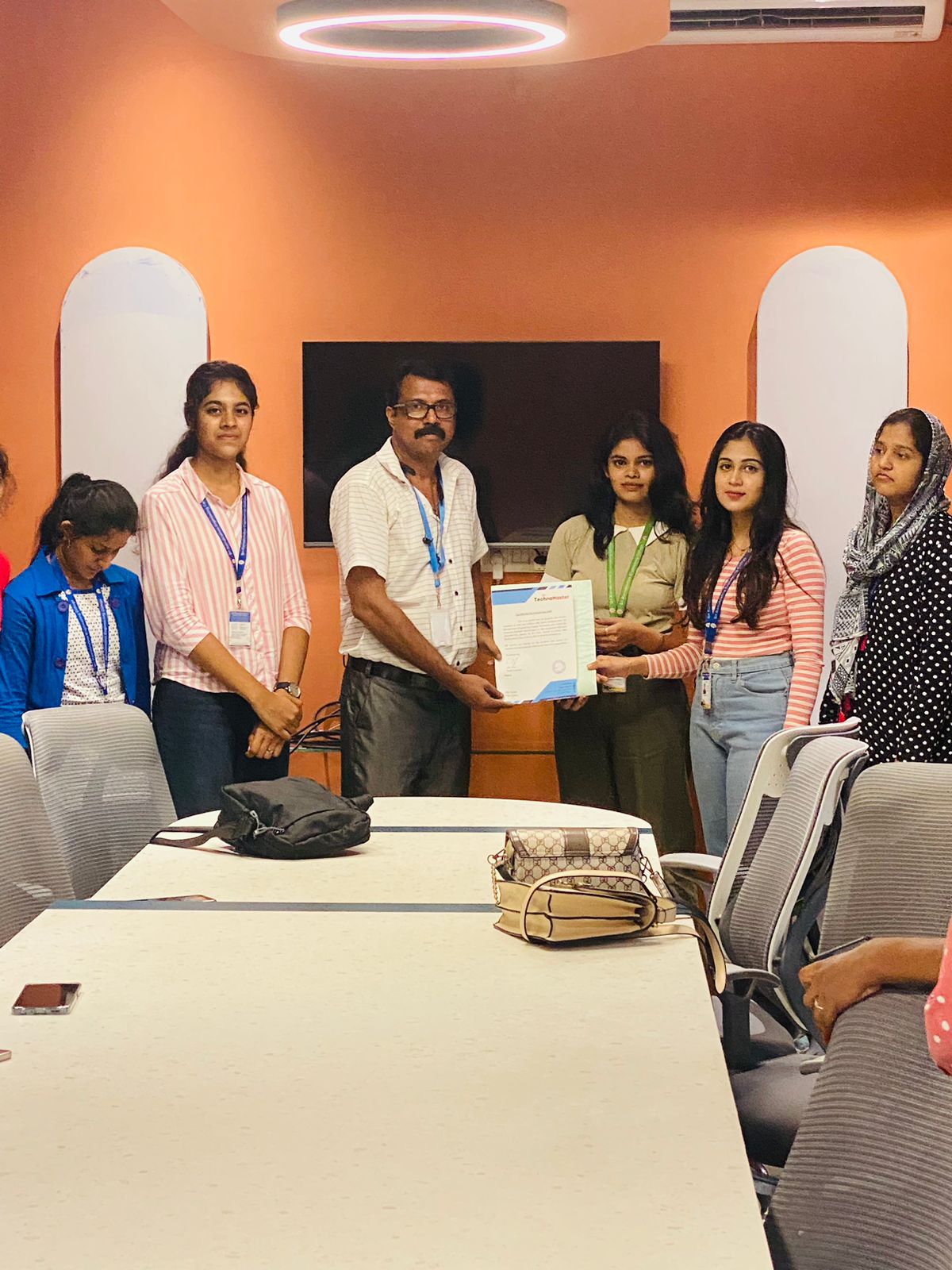
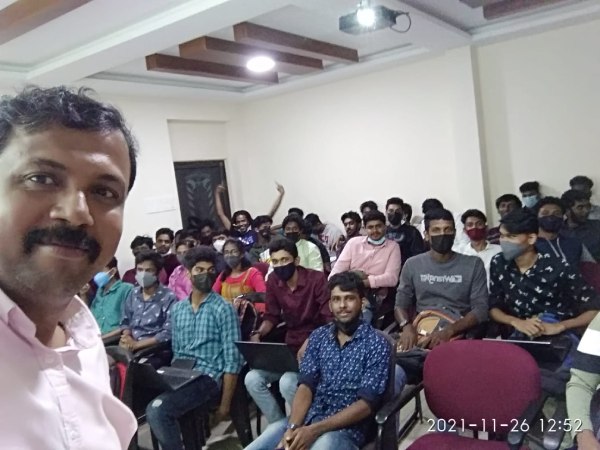
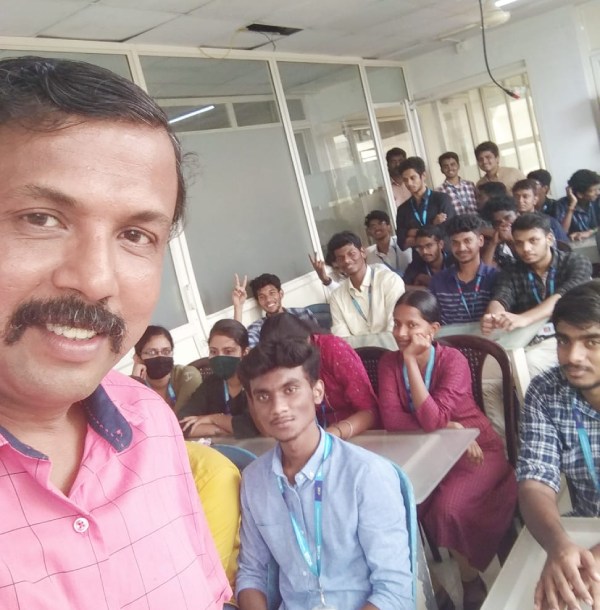
Our Training/Internship Process

Autodesk 3Ds Max - Syllabus, Fees & Duration
Getting to Know 3ds Max
- Touring the Interface
- The Viewports
- Getting to Know the Command Panel
- Working with Objects
- Transforming Objects
- Copying an Object
- Understanding the Perspective Viewing Tools
- Using Multiple Viewports
Introducing 3ds Max Objects
- Understanding Standard Primitives
- Adjusting Objects' Parameters
- Accessing Parameters
- Modeling Standard Primitives with Modifiers
- Using the Modifier Stack Tools
- Making Clones That Share Properties
- Using Various Modifiers
- Understanding Extended Primitives
- Working with Groups
Creating Shapes with Splines
- Drawing using Splines
- Lathing a Spline
- Modifying a Shape Using Sub-object Levels
- Flipping Surface Normals
- Creating Thickness with a Spline
- Combining and Extruding Splines
- Introducing Other Spline Types
- Editing Splines
Editing Meshes and Creating Complex Objects
- Polygon Modeling Techniques
- Using Graphite Modeling Tools
- Creating buildings using modifiers
Working with External Design Data
- Importing AutoCAD Plans into 3ds Max
- Extruding the Walls
Creating AEC Objects
- Creating a Parametric Wall
- Adjusting the Wall’s Parameters
- Adding Doors and Windows to Walls
- Creating a Parametric Window
- Creating Stairs
- Creating Foliage
Organizing and Editing Objects
- Naming Objects
- Organizing Objects by Layers
- Setting Up Layers
- Assigning Objects to Layers
- Assigning Color to Layers
- Lofting an Object
- Lofting a Shape Along a Path
- Using Different Shapes Along the Loft Path
- Extruding with the Sweep Modifier
- Aligning Objects
Light and Shadow
- Understanding the Types of Lights
- Adding a Spotlight to Simulate the Sun
- Rendering a View
- Adding Shadow Effects
- Softening Shadow Edges
Shading and Texturing
- Understanding Bitmap Texture Maps
- Diffuse Color Maps
- Understanding Surface Properties
- Adding Materials to Objects
- Understanding Material Libraries
- Editing Materials
- Using Bump Maps
- Understanding Mapping Coordinates
- Adjusting the UVW Mapping Gizmo
- Assigning Materials to Parts of an Object
- Creating a Multi/Sub-Object Material
Using the 3ds Max Camera
- Understanding the 3ds Max Camera
- Adding a Camera
- Editing the Camera Location with the Viewport Tools
- Setting Up an Interior View
- Creating an Environment
- Working with Walkthrough-Assistant
Creating Animations
- Using Animation controls
- Using Keyframe animation
- Bouncing a Ball
- Adding Camera Motion
- Adjusting the Camera Path
- Creating Preview Animation
- Compressing and Expanding Time
- Rendering the Animation
Mental Ray Concepts
- Understanding Mental Ray
- Understanding Global Illumination
- Understanding Final Gather
- Assigning the Mental Ray Renderer
- Using the Rendered Frame Window Controls
Gamma Correction
- Understanding Gamma and Linear Workflow
- Applying gamma correction
Materials
- Understanding Autodesk materials
- Understanding Arch & Design materials
- Creating various materials
Rendering
- Improving Rendering Quality
- Rendering an Exterior Scene
- Rendering an Interior Scene
VRay
- What is VRay and how to setup VRay
- Global Illumination in VRay
- VRay Image Saving Options
- VRay Lights
- VRay Camera
Rendering Scenes
- Rendering an interior scene using V-Ray
- Rendering an exterior scene using V-Ray
This syllabus is not final and can be customized as per needs/updates
- Since 2001, Making IT Experts by Experts
- Duration: 60 Hours (Vary as per your skill)
- Course Fees
- Individual Live Classes (1:1)
- Batch Classes @ Low Fees
- Training on Your Time, Any Where
- Access to Recorded Videos
- Practical Internship on Projects
- 100% Placement Support by our jobsHybrid.com
- Training/Internship Certificate
- Agra
- Ahmedabad
- Alappuzha
- Aurangabad
- Bangalore
- Belgaum
- Bellary
- Bhubaneswar
- Chennai
- Cochin
- Coimbatore
- Delhi
- Dindigul
- Erode
- Gulbarga
- Guntur
- Gurgaon
- Haryana
- Hyderabad
- Idukki
- Indore
- Jaipur
- Kalyan
- Kannur
- Kanpur
- Kasaragod
- Kerala
- Kolkata
- Kollam
- Kottayam
- Kozhikode
- Lucknow
- Madurai
- Malappuram
- Mangaluru
- Mumbai
- Mysuru
- Nagpur
- Nashik
- Navi Mumbai
- Nizamabad
- Noida
- Palakkad
- Pathanamthitta
- Pune
- Punjab
- Salem
- Shimla
- Solapur
- Surat
- Thane
- Thanjavur
- Thirunelveli
- Thoothukudi
- Thrissur
- Tiruchirappalli
- Tiruppur
- Trivandrum
- Vadodara
- Varanasi
- Vellore
- Vijayawada
- Visakhapatnam
- Wayanad
Course Highlights

Our Locations

 As well as, 3Ds max also has animation controllers that users will produce, edit, and share. This program could be a part of a group of entertainment and multimedia system software products provided by Autodesk. join our online Autodesk 3ds max coaching Course today to complete Autodesk 3ds max from basic to intermediate & advanced levels. Users have all the commands and functions right before them, and there's nothing that will be confusing. Scene explorer might be a tool that provides a hierarchical view of scene knowledge and analysis. In fact, operating with software becomes simple, and it is a lot more fascinating. 3D max brings options and characters to life with VFX and animation. It helps to make higher 3D content in less time and users will manufacture professional-quality 3D animations, renders, and models with an economical and versatile toolset.
. 3Ds max software system consists of the numerous wealthy choices that facilitate the modelers, the renders, and the designers to form flawless photo-realistic 3D images moreover 3D animations of any construction element, furthermore as it is a giant ranging usage in Media, advertisement, and entertainment industry.
As well as, 3Ds max also has animation controllers that users will produce, edit, and share. This program could be a part of a group of entertainment and multimedia system software products provided by Autodesk. join our online Autodesk 3ds max coaching Course today to complete Autodesk 3ds max from basic to intermediate & advanced levels. Users have all the commands and functions right before them, and there's nothing that will be confusing. Scene explorer might be a tool that provides a hierarchical view of scene knowledge and analysis. In fact, operating with software becomes simple, and it is a lot more fascinating. 3D max brings options and characters to life with VFX and animation. It helps to make higher 3D content in less time and users will manufacture professional-quality 3D animations, renders, and models with an economical and versatile toolset.
. 3Ds max software system consists of the numerous wealthy choices that facilitate the modelers, the renders, and the designers to form flawless photo-realistic 3D images moreover 3D animations of any construction element, furthermore as it is a giant ranging usage in Media, advertisement, and entertainment industry.