Adobe Illustrator Online Live Class by Experts
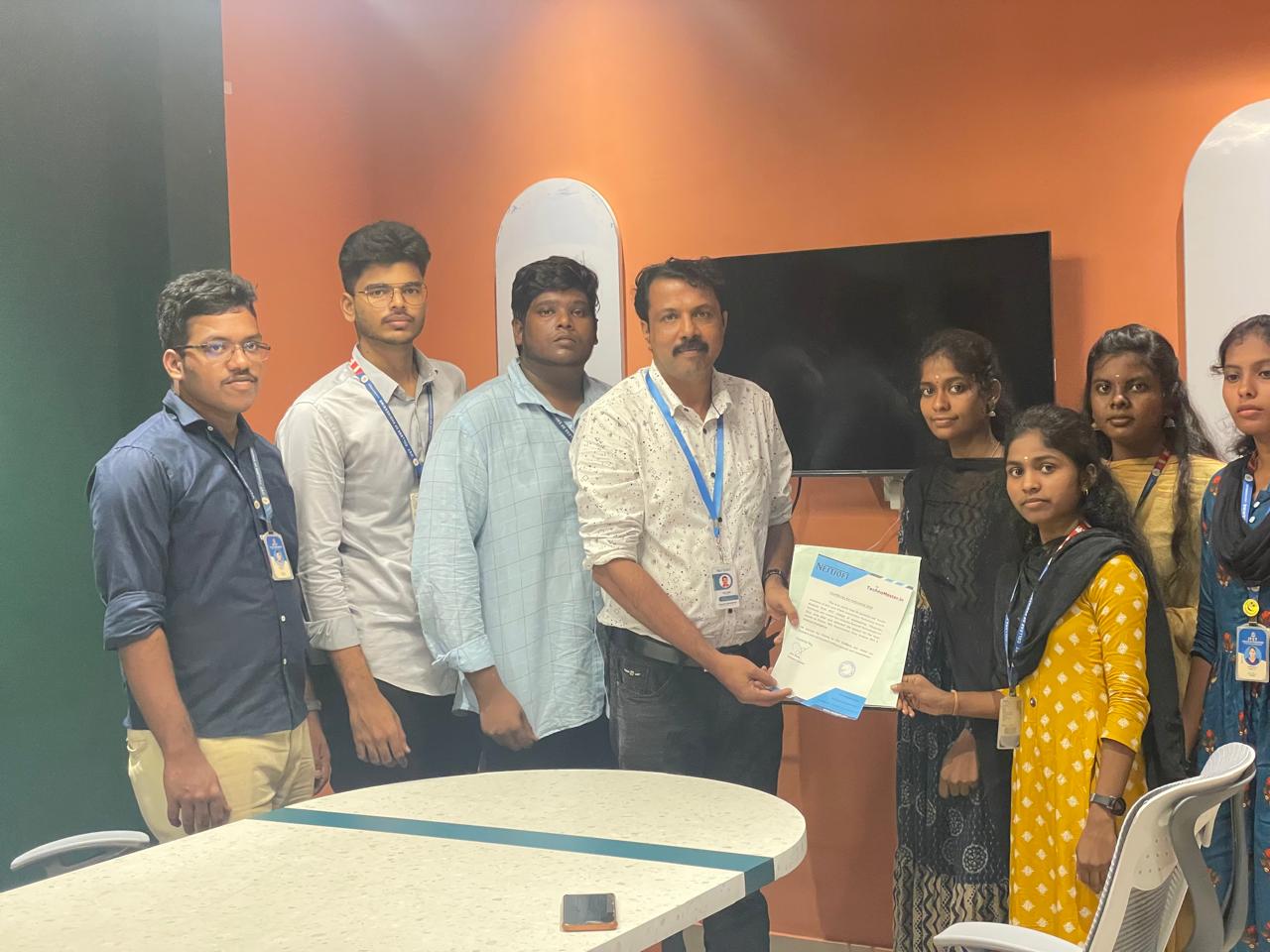
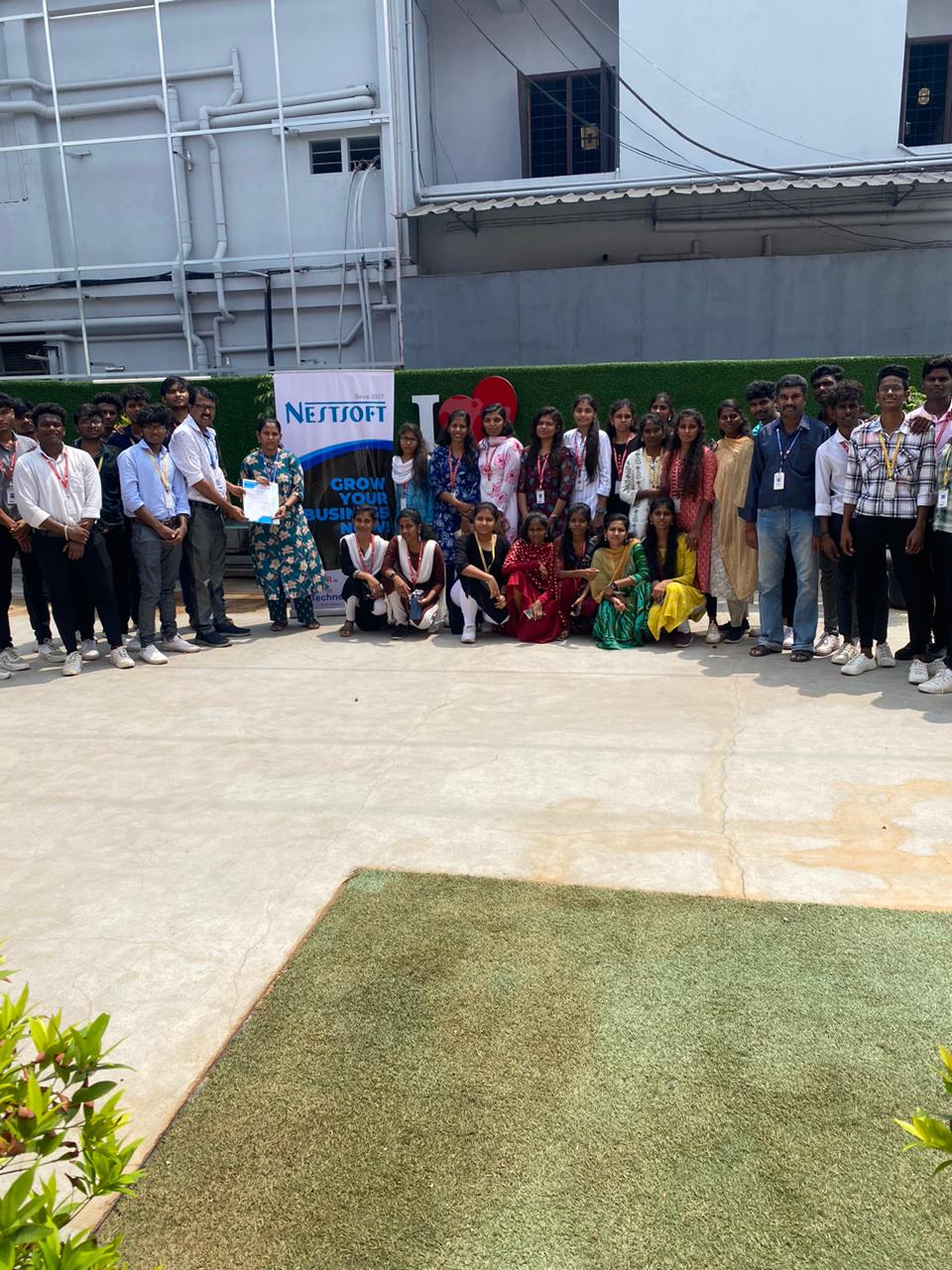
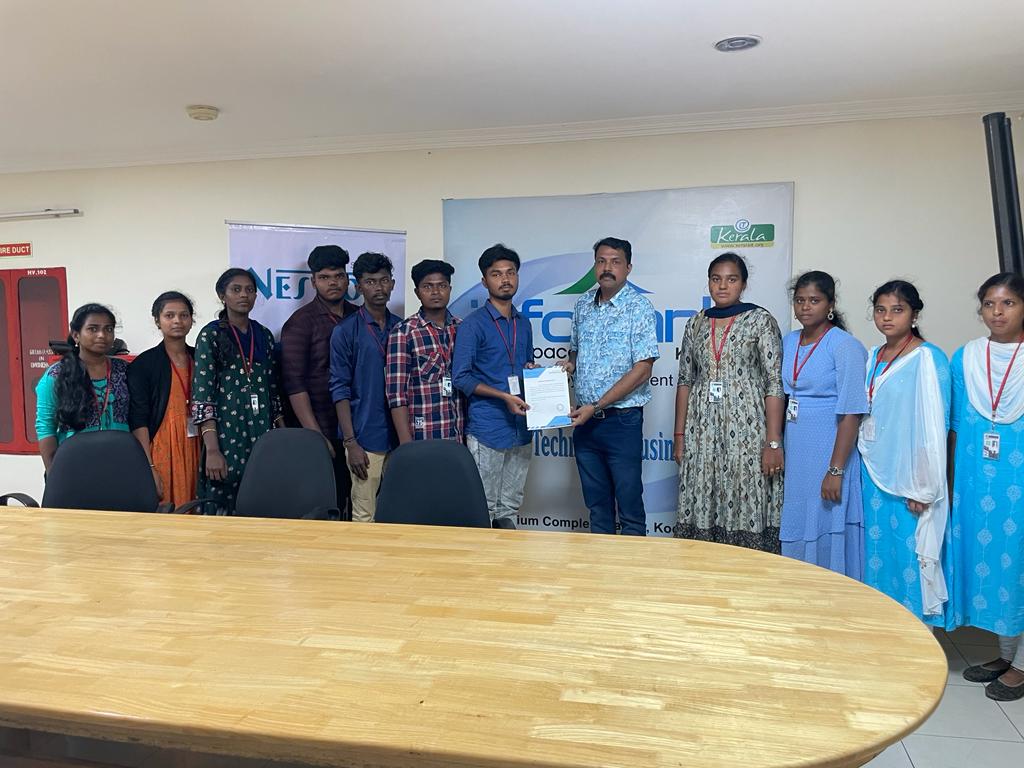
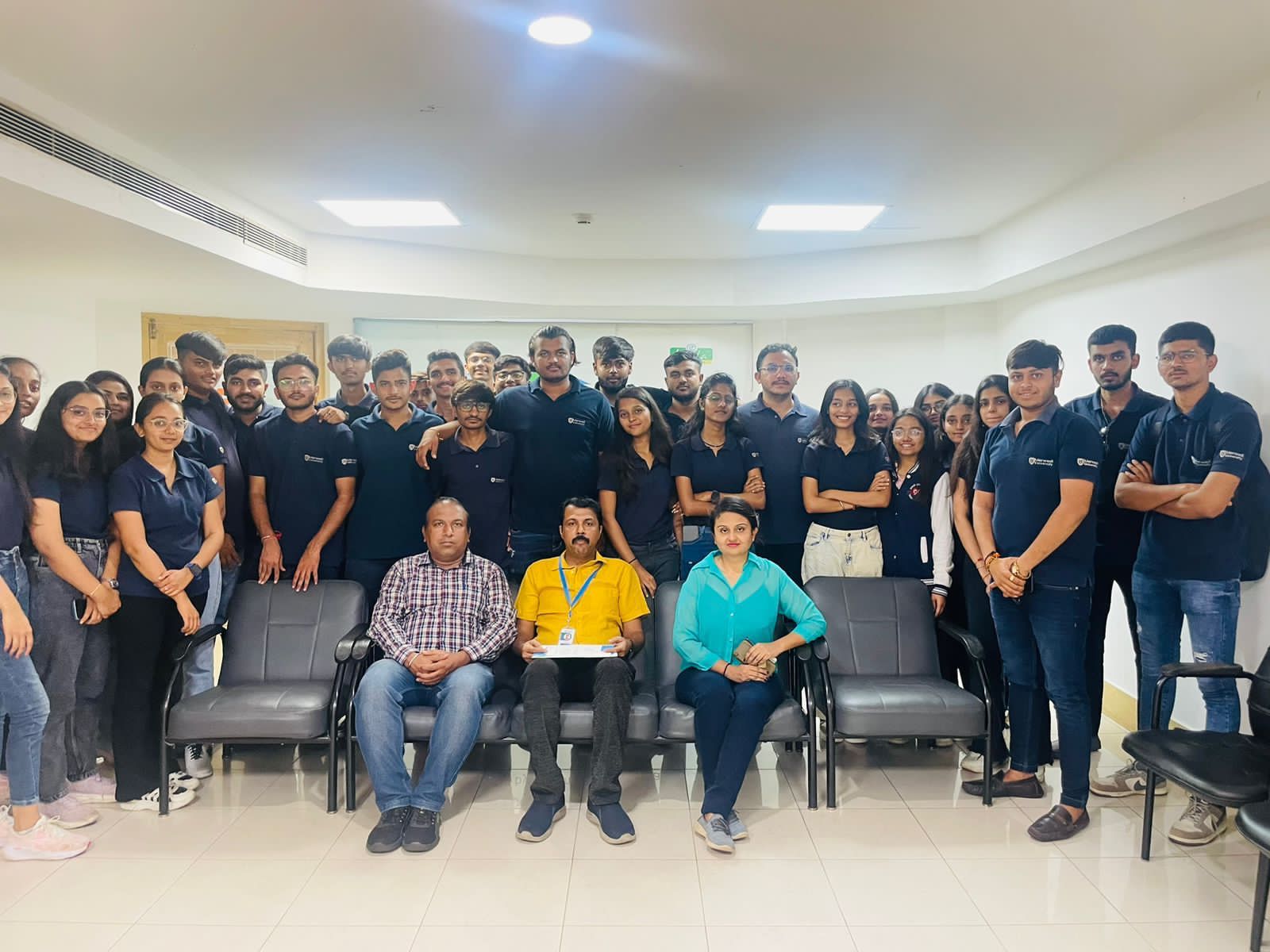
Our Training/Internship Process

Adobe Illustrator - Syllabus, Fees & Duration
- Overview of Vector Graphics vs. Raster Graphics
- Illustrator Interface and Navigation
- Artboards and Workspaces
- Tools Panel and Properties Panel
- Creating and Saving Documents
- Understanding File Formats (AI, EPS, SVG, PDF)
- Shapes and Paths
- Rectangle, Ellipse, Polygon, Line tools
- Working with Fill and Stroke
- Pen Tool Basics
- Drawing and Editing Paths
- Anchor Points and Handles
- Using the Pencil and Brush Tools
- Understanding the Color Panel
- RGB vs. CMYK Modes
- Swatches and Global Colors
- Gradients and Gradient Mesh
- Applying Transparency and Blending Modes
- Creating and Formatting Text
- Character and Paragraph Panels
- Converting Text to Outlines
- Text on a Path and Text Wrap
- Layers Panel Overview
- Grouping and Ungrouping Objects
- Locking, Hiding, and Rearranging Layers
- Clipping Masks
- Using Guides, Grids, and Smart Guides
- Pathfinder and Shape Builder Tools
- Using the Appearance Panel
- Applying Effects (Drop Shadow, Outer Glow, etc.)
- Working with Symbols
- Creating Patterns
- Image Trace Tool
- Creating and Using Clipping Masks
- Opacity Masks for Advanced Effects
- Preparing Artwork for Print vs. Digital
- Exporting File Formats (PNG, SVG, PDF, etc.)
- Packaging Files for Clients or Printers
- Creating a Simple Logo Design
- Designing a Business Card or Poster
- Applying Learned Skills to a Practical Task
Module 1: Introduction to Illustrator (1.5 hrs)
Module 2: Basic Drawing Tools (2 hrs)
Module 3: Colors and Gradients (1.5 hrs)
Module 4: Working with Text (1.5 hrs)
Module 5: Layers and Organizing Artwork (1.5 hrs)
Module 6: Advanced Tools and Effects (2 hrs)
Module 7: Image Tracing and Masking (1.5 hrs)
Module 8: Exporting and Finalizing Projects (1.5 hrs)
Module 9: Hands-on Project (2 hrs)
This syllabus is not final and can be customized as per needs/updates
- Since 2001, Making IT Experts by Experts
- Duration: 15 Hours (Vary as per your skill)
- Course Fees
- Individual Live Classes (1:1)
- Batch Classes @ Low Fees
- Training on Your Time, Any Where
- Access to Recorded Videos
- Practical Internship on Projects
- 100% Placement Support by our jobsHybrid.com
- Training/Internship Certificate
- Agra
- Ahmedabad
- Alappuzha
- Aurangabad
- Bangalore
- Belgaum
- Bellary
- Bhubaneswar
- Chennai
- Cochin
- Coimbatore
- Delhi
- Dindigul
- Erode
- Gulbarga
- Guntur
- Gurgaon
- Haryana
- Hyderabad
- Idukki
- Indore
- Jaipur
- Kalyan
- Kannur
- Kanpur
- Kasaragod
- Kerala
- Kolkata
- Kollam
- Kottayam
- Kozhikode
- Lucknow
- Madurai
- Malappuram
- Mangaluru
- Mumbai
- Mysuru
- Nagpur
- Nashik
- Navi Mumbai
- Nizamabad
- Noida
- Palakkad
- Pathanamthitta
- Pune
- Punjab
- Salem
- Shimla
- Solapur
- Surat
- Thane
- Thanjavur
- Thirunelveli
- Thoothukudi
- Thrissur
- Tiruchirappalli
- Tiruppur
- Trivandrum
- Vadodara
- Varanasi
- Vellore
- Vijayawada
- Visakhapatnam
- Wayanad
Course Highlights

Our Locations

 . one among the options is it permits users to freely produce projects across completely different software system merchandise because that designed a unified program environment. There are various further capabilities to be had to modify the graphics being created via this method also. This provides you the advantage of getting hands-on experience on illustrator projects whereas you are still learning. Adobe illustrator files ar place into an Adobe Photoshop layer and keep the vector qualities. Our on-line training course in learn the way a Vector application Creates shapes Composed of points, lines, and curves . Attain hands-on coaching via live projects with our team.
Why Adobe Illustrator is so Good ?:
It gives a helpful user interface
Print at high resolution
Good for drawing illustrations
Files create in manageable sizes
It Is Compatible with All Computer Systems
Adobe illustrator could be a sensible tool as you'll see from the deserves we shared. Nestsoft makes sure that the gap between the lecturers and also the industry standards & Demands are filled by learning an illustrator style Course with us. it is effective for people who got to create adverts with integrated branding either a private user or massive enterprise.
. one among the options is it permits users to freely produce projects across completely different software system merchandise because that designed a unified program environment. There are various further capabilities to be had to modify the graphics being created via this method also. This provides you the advantage of getting hands-on experience on illustrator projects whereas you are still learning. Adobe illustrator files ar place into an Adobe Photoshop layer and keep the vector qualities. Our on-line training course in learn the way a Vector application Creates shapes Composed of points, lines, and curves . Attain hands-on coaching via live projects with our team.
Why Adobe Illustrator is so Good ?:
It gives a helpful user interface
Print at high resolution
Good for drawing illustrations
Files create in manageable sizes
It Is Compatible with All Computer Systems
Adobe illustrator could be a sensible tool as you'll see from the deserves we shared. Nestsoft makes sure that the gap between the lecturers and also the industry standards & Demands are filled by learning an illustrator style Course with us. it is effective for people who got to create adverts with integrated branding either a private user or massive enterprise.